

You don't retrain a model, you curate what it reads. How to prepare help docs, pricing and policies so an AI agent answers correctly, and what to remove first.
"Training" an AI agent on your help docs does not mean retraining a model. It means choosing what the agent reads and writing it so the right passage is easy to find.
In our own tests, that content decided more answers than anything else: the same agent went from wrong prices to correct totals after we replaced raw website pages with a few clean documents. Here is how to prepare your docs, and what to leave out.
How an AI agent actually uses your docs
When you add knowledge, it is split into small sections and indexed. When a visitor asks a question, the agent searches those sections, picks the most relevant ones and writes an answer from them. Nothing is learned permanently; a document you fix is used as soon as it is processed again.
Two consequences follow:
- The agent can only be as accurate as the sections it finds. If the answer is spread across a long page, or buried in an old blog post, it may not be found.
- Wrong or outdated content is used just as confidently as correct content. Removing bad material matters as much as adding good material.
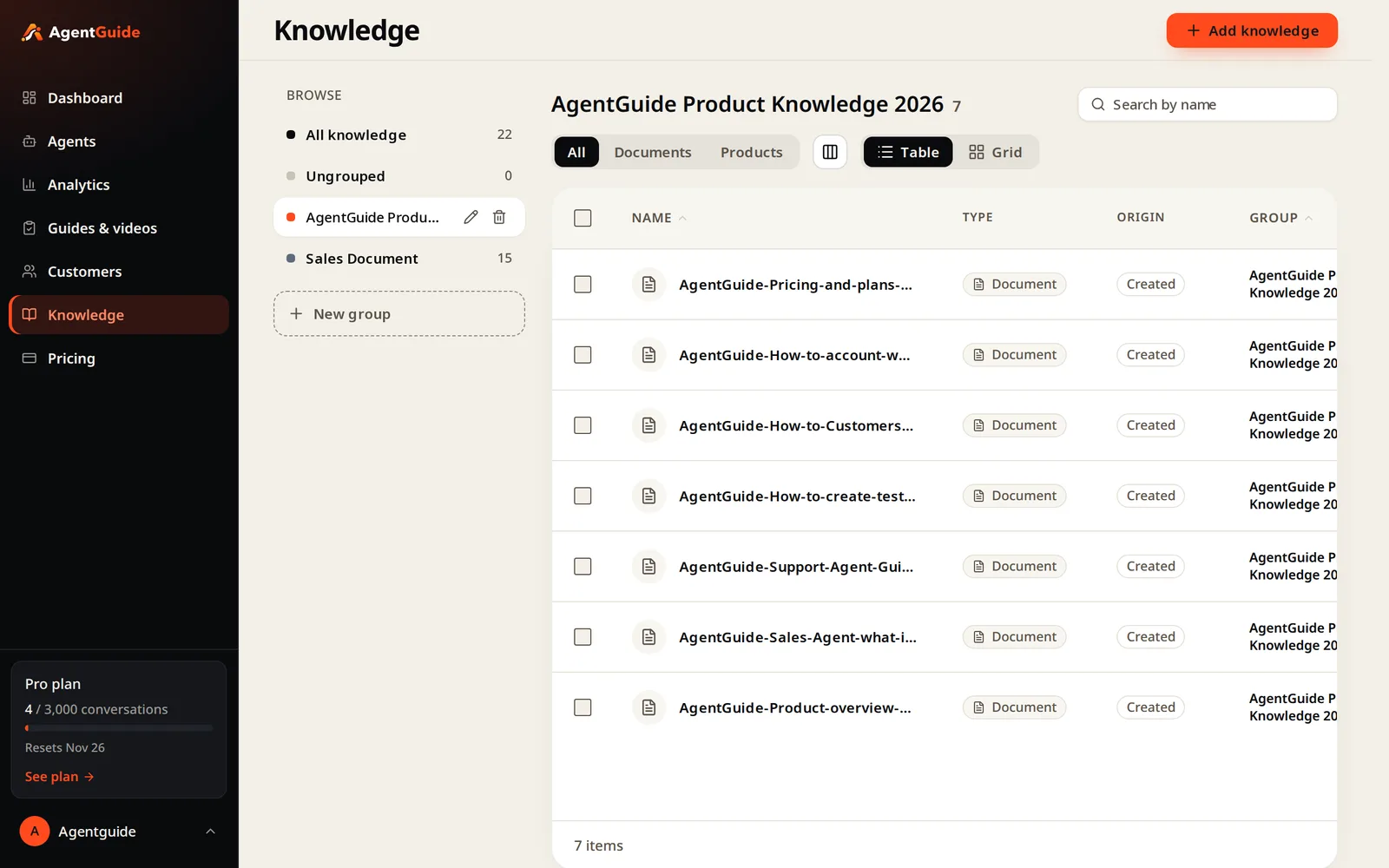
In AgentGuide, an agent answers only from the knowledge you select for it. When nothing fits, it says so instead of guessing, and the question appears in Customers → Couldn't answer.
What each source is good for
| Source | Good for | Watch out for |
|---|---|---|
| Your website (import) | FAQs, policies, service pages, product pages | Old blog posts, expired promotions, outdated addresses |
| Help docs (PDF, DOCX, TXT, MD) | How-to answers, troubleshooting, setup steps | Long manuals that mix many topics on one page |
| Products (website import, CSV or JSON) | Recommendations with names, prices, images, links | Missing details shoppers decide on, stale stock |
| Answers you write | Pricing, plans, policies, exact wording you control | Forgetting to update them when things change |
| How-to videos | Showing a task when watching is easier than reading | A video does not replace a written answer |
You can organize knowledge into groups and choose, per agent, which groups it may use. A sales agent and a support agent can share pricing but not internal procedures.
Seven rules for docs an agent can use well
- One topic per section. A section titled "Cancellation policy" that only covers cancellation is easy to find. A page covering cancellation, payment and parking is not.
- Put numbers next to the thing they describe. Write "Growth: $79 per month, 1,000 conversations" in one sentence. A price that sits three paragraphs away from the plan name may be retrieved without the plan.
- Prefer short sentences over wide tables. Wide comparison tables can be split into fragments when indexed, and a row without its header loses its meaning. If you keep a table, also state the key facts in plain sentences.
- Use the words your customers use, and the exact names in your product. If your button says Add knowledge, write "Add knowledge", not "the import feature".
- Answer the decision, not only the fact. "Which plan should I choose?" is a common question. A section that says "about 800 conversations a month → Growth" answers it directly.
- Say what you don't offer. "We don't integrate with X." "There is no elevator on board." An agent can only be honest about what it knows.
- Keep one source of truth per fact. If the price appears in five places, four will eventually be wrong.
What to leave out
This is the step most teams skip.
- Old blog posts and news. A 2018 article with last year's prices will be found and quoted.
- Expired promotions. "15% off this weekend" stays true to the agent until you remove it.
- Outdated addresses, phone numbers and opening hours.
- Internal sales material. Battlecards, outbound email templates and objection scripts were written for your team, not for visitors. If an agent can read them, a visitor can get answers from them.
- Duplicate pages that say almost the same thing in different words. They compete with each other in search and may disagree.
- Anything you would not say to a customer.
A real example: raw import vs curated docs
We built a demo agent for a dinner cruise operator from its public website.
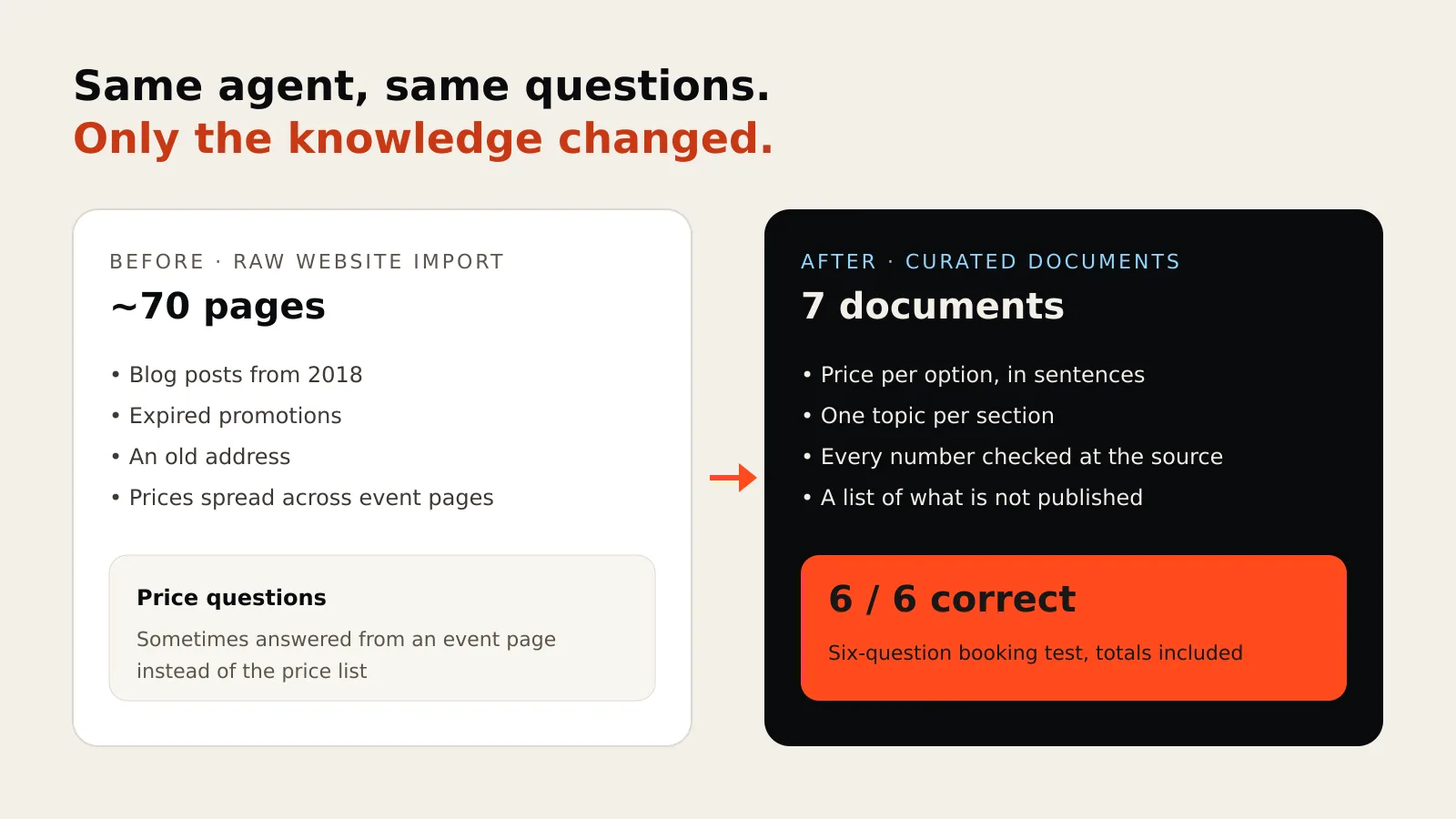
- Raw import: about 70 pages, including blog posts from 2018, expired promotions and an old address. Asked for the price of a set menu, the agent sometimes picked event pages instead of the price page and missed the answer.
- Curated: we replaced the import with 7 documents written from those pages (overview, price list, menus, schedule and booking, cancellation policy, events, FAQ), checked every number against the original pages, and added a list of things the website does not state.
On a six-question test (a family dinner with a budget, a vegetarian guest, children's prices, accessibility, deposit and cancellation), the curated set answered all six correctly, including the totals.
We saw the same pattern on our own pricing page. A plan comparison written as a wide table, then as a summary list, led the agent to miss plan limits for a "team of 20, about 800 chats a month" question. Rewritten as one section per plan, plus a short "choose by monthly chats" section, the agent recommended the right plan with the reason.
Test before customers do
Before you put the agent on your site, ask it what customers really ask. In AgentGuide, Test agent chats are not counted toward your conversations.
- A price question that needs a calculation ("two adults and a child aged 8").
- A policy question with a condition ("can I cancel two days before?").
- A comparison ("what is the difference between A and B?").
- A question your docs do not answer. The right result is "I don't have that information" plus your contact option, not a guess.
When an answer is wrong, the fix is almost always in the knowledge: find the section the agent should have used, make it clearer or more specific, save it, and ask again.
Keep it fresh
- Re-import or re-crawl website pages when they change.
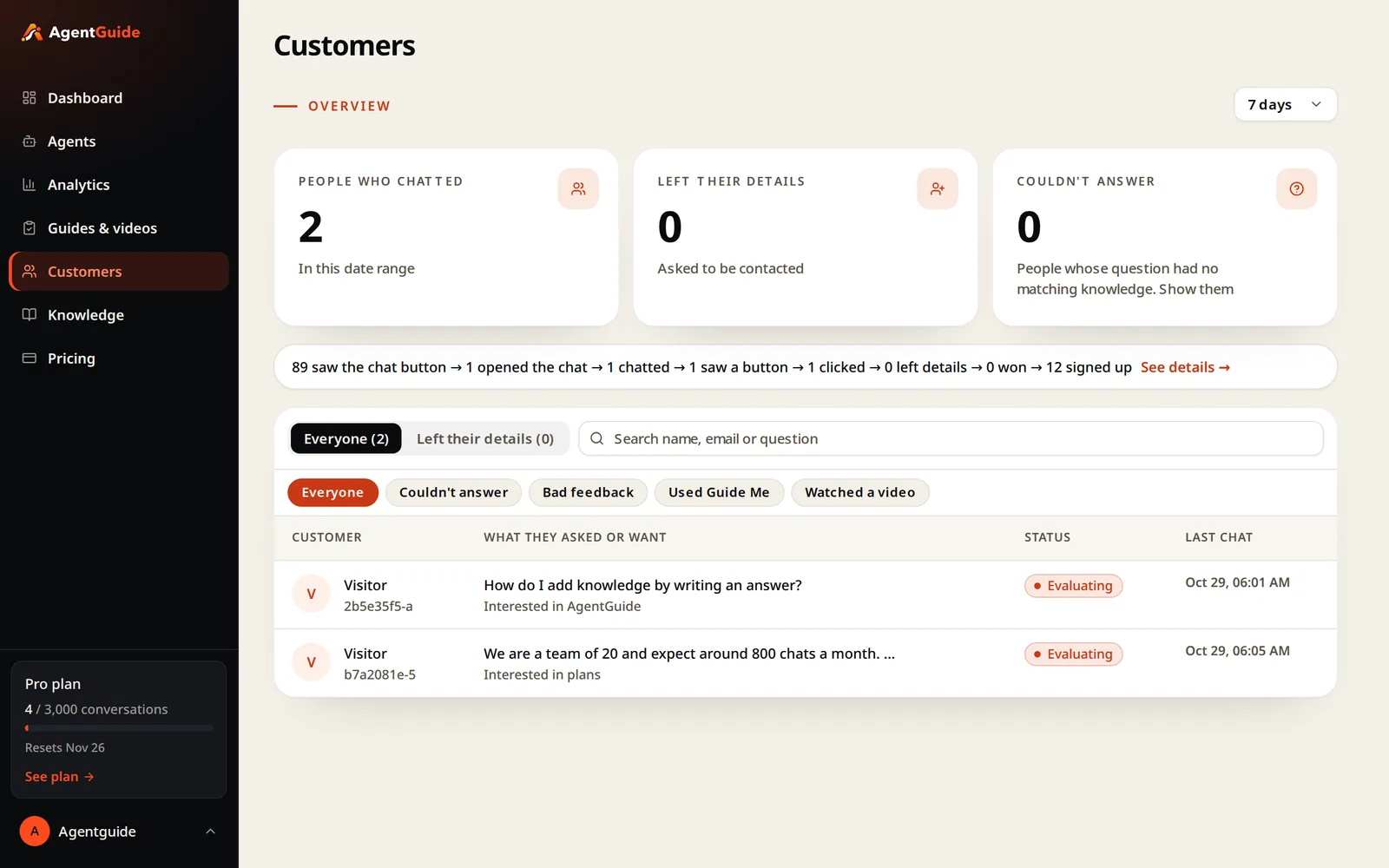
- Review Couldn't answer and Bad feedback weekly in Customers, and add the missing answers.
- Update numbers in one place, and remove the old version.
- Check languages. The agent replies in the visitor's language, but answers are only as good as the knowledge behind them, so test in the languages your customers write in.
Summary
- You don't retrain a model; you curate what the agent reads.
- One topic per section, numbers next to what they describe, short sentences over wide tables.
- Remove stale posts, expired offers, internal sales material and duplicates.
- Test with real questions, including one your docs don't answer.
- Review what the agent couldn't answer every week.
Next, see how to set up an AI sales agent or how the Support Agent uses your docs. Start free with no credit card.