

Shoppers often know what they want but not what it is called. With chat images, they send a photo and an AI sales agent suggests the closest products from your own catalog, with prices and stock.
A shopper saw a pair of shoes on someone, a lamp in a café, a part on a broken machine. They know exactly what it looks like. They don't know what it is called, so your store search is no help.
The easiest thing for them is to send a photo and ask "do you have this?". With AgentGuide's chat images, your AI sales agent looks at the photo and suggests the closest products from your own catalog, with prices, sale prices and stock. This post shows how it works and how to set it up.
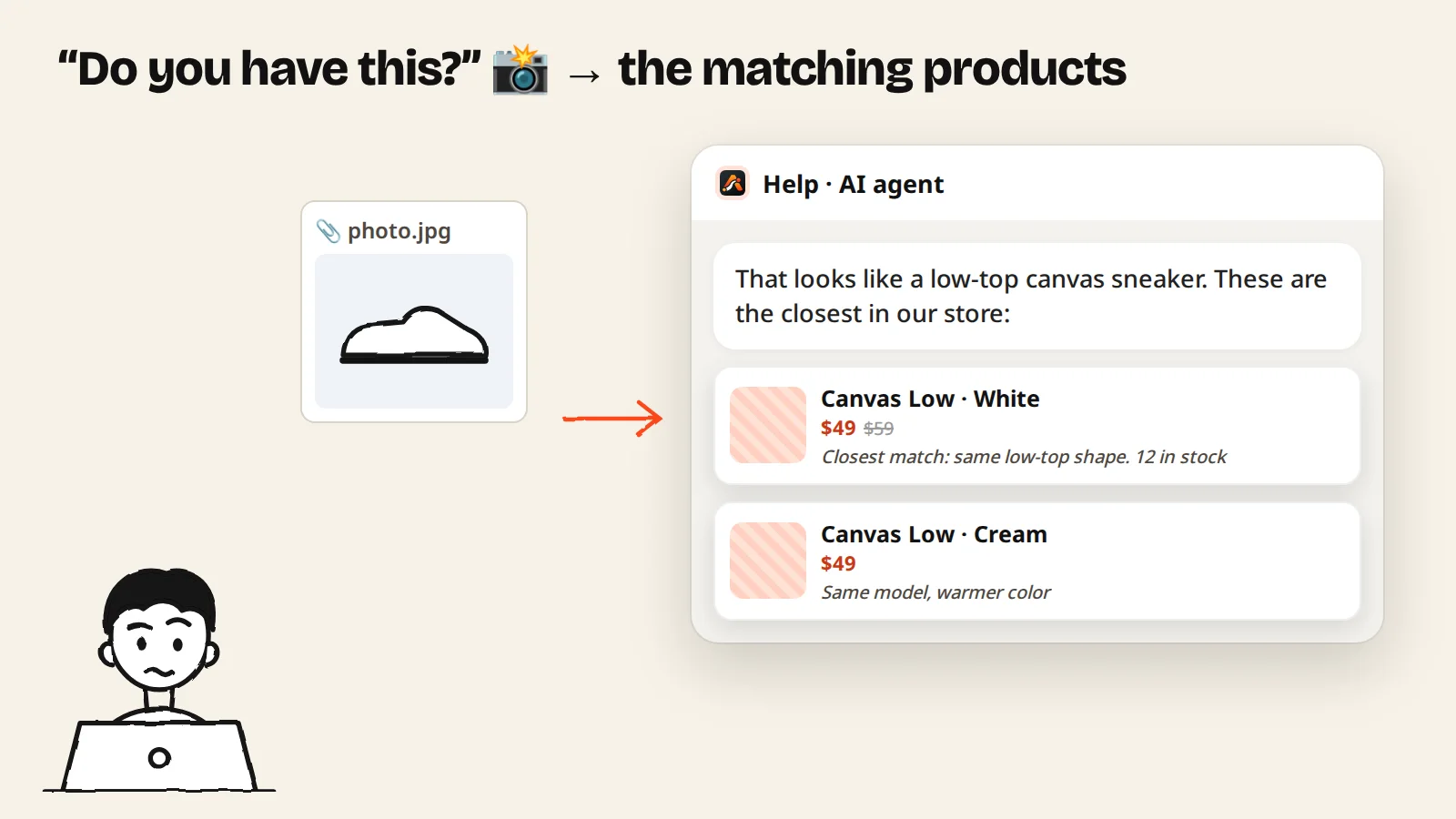
Why photo questions get lost
- Shoppers don't know your product names. "Canvas Low" means nothing until they see it.
- Describing it is hard. "White shoe, kind of flat, laces" matches half your store.
- Search needs words. A photo has none.
- Messaging apps don't scale. Photos sent to your WhatsApp or Zalo wait until someone is free to answer.
How it works for the shopper
- They tap the paperclip next to the message box and send a photo (JPEG, PNG or WebP).
- The agent looks at the photo and suggests matching items from your catalog, as product cards with the photo, price and sale price, stock as of your last import, and why it fits.
- They can ask follow-up questions. The agent remembers what was in the photo for the rest of the chat, so there's no need to send it again.
- If they're choosing between two or more, they can ask for a comparison: the agent puts 2 to 4 products side by side, differences first, with values from your catalog.
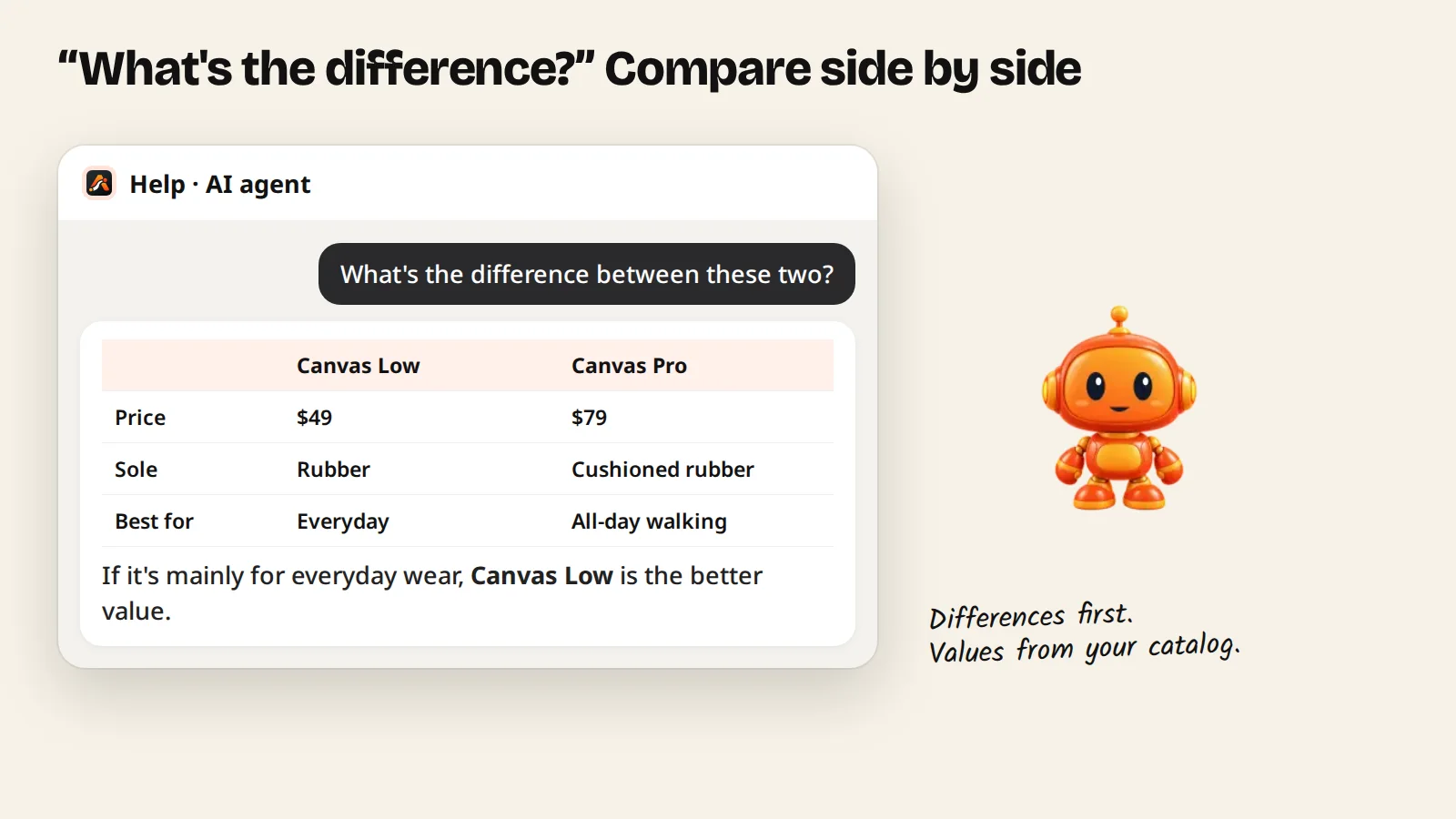
The agent recommends only what is in your catalog. If nothing close is there, it says so instead of offering something that doesn't fit.
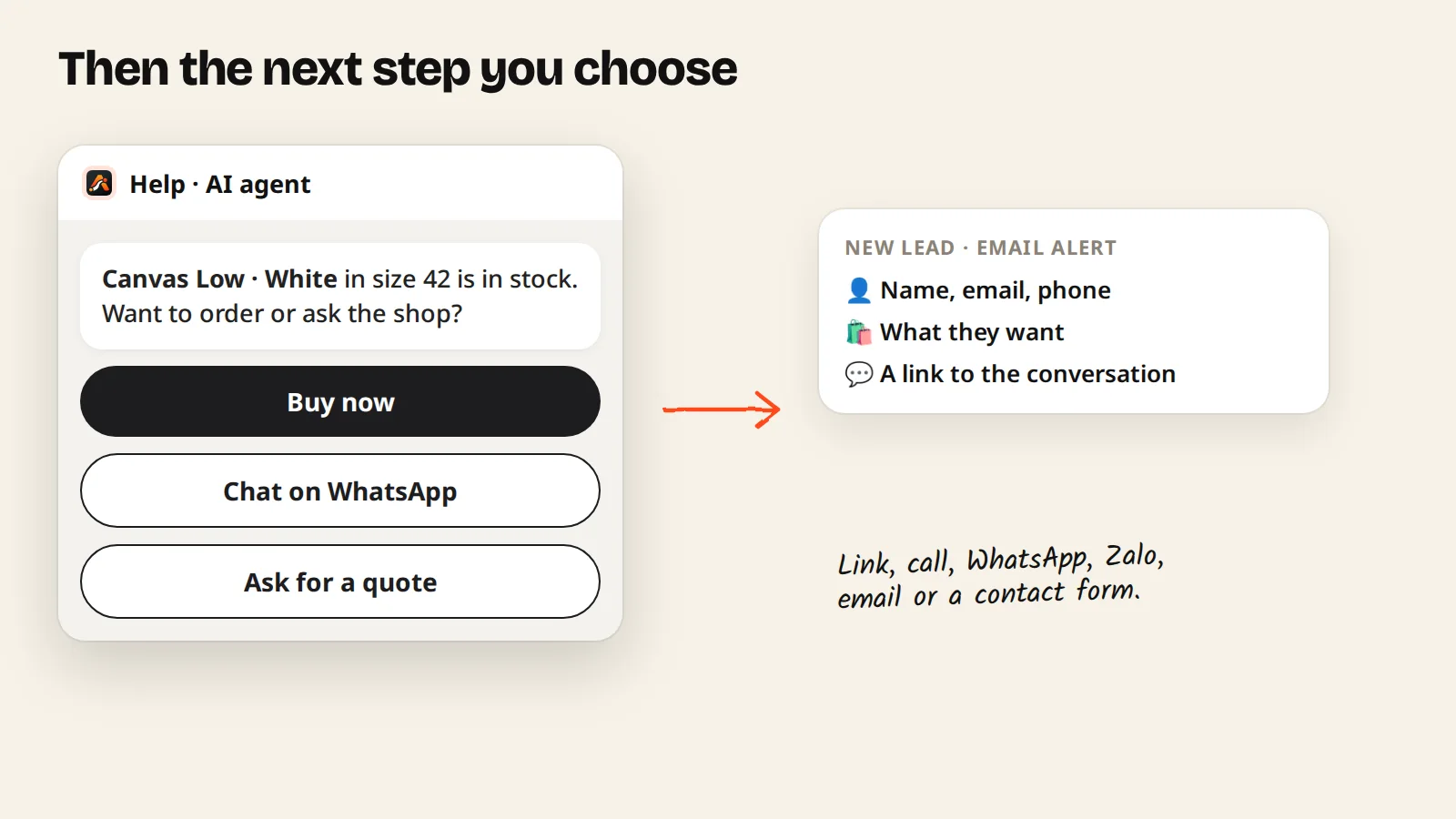
Then the next step you choose
After a recommendation, the agent shows the next step you set up: a link (buy, book, sign up), a call, a WhatsApp, Zalo or email message, or a contact form for a quote. When a shopper leaves their details, you get an email alert with what they want and a link to the conversation. On Growth and up, leads are also scored and can be sent to a webhook.
Set it up in four steps
- Add your products. In Knowledge, import products from your store (works with WooCommerce and Shopify stores), upload a CSV or JSON file, or add them one by one. Good photos, prices and short descriptions make better matches. See import products.
- Create a Sales agent and give it your product knowledge.
- Turn on Let customers send a photo on the agent page. It is on by default for new agents.
- Set your next-step buttons and install the script on your store (Shopify, WordPress, Wix, Webflow and others).
Limits and privacy
- JPEG, PNG or WebP, up to 5 MB per image.
- Up to 5 images per conversation.
- Images are kept for 90 days, then deleted.
- You can see the images in each conversation under Customers.
Full details are in the chat images docs.
Tips for better matches
- Import again after big catalog changes. Prices and stock in answers come from your last import.
- Use clear product photos and names that say what the item is ("low-top canvas sneaker", not just "Model 12").
- Add a starter question like "Send a photo, we'll find it" on category pages, so shoppers know they can.
- Check the conversations weekly. Photos the agent couldn't match show you what shoppers look for that you don't stock yet.
Plans
Chat images work with every plan. Plans differ in conversations and catalog size: up to 200 products on Free, 500 on Starter, 5,000 on Growth and 50,000 on Pro. See pricing.
Summary
- Shoppers often can't name what they want, but they can photograph it.
- The agent matches the photo to your own catalog and shows cards with price and stock.
- It compares options side by side, then offers the next step you set.
- Turn it on with one switch on the agent page.
Start free and let shoppers send you a photo, or read how product recommendations work.