

Turn on Let customers send a photo on the agent page. Visitors can attach a product photo or a screenshot, and the agent looks at it to answer. Up to 5 images per conversation; photos are deleted after 90 days.
Sometimes a picture explains faster than words: "Do you have this?" with a product photo, or a screenshot of an error. Your agent can look at the image and answer from your knowledge.
Turn it on
- Open your agent.
- Find Let customers send a photo and switch it on.
- Click Save.
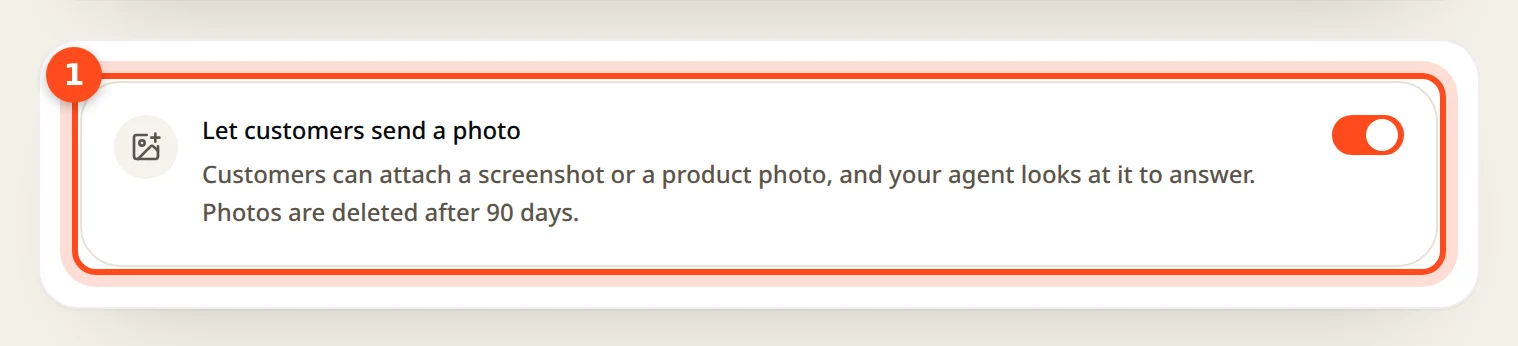
Visitors then see a paperclip button next to the message box.
What the agent does with it
- Sales: a visitor sends a product photo; the agent recognizes it and suggests matching items from your catalog, with prices.
- Support: a visitor sends a screenshot; the agent sees which screen they're on and tells them the next step, or offers Guide Me.
- It remembers what was in the image for the rest of the chat, so the visitor doesn't need to send it again.
Limits and privacy
| Limit | Value |
|---|---|
| File types | JPEG, PNG, WebP |
| Size | Up to 5 MB per image |
| Per conversation | Up to 5 images |
| Kept for | 90 days, then deleted |
You can see the images in the conversation under Customers.