

Import your catalog from a WooCommerce or Shopify store (Import from website → Products), one product page at a time, or upload a CSV or JSON list. A Sales agent then recommends products with photo, price and a reason.
A Sales agent recommends products from your catalog: photo, price, why it fits, and a link. First, give it your products.
From your online store
- Knowledge → Add knowledge → Import from website → Products.
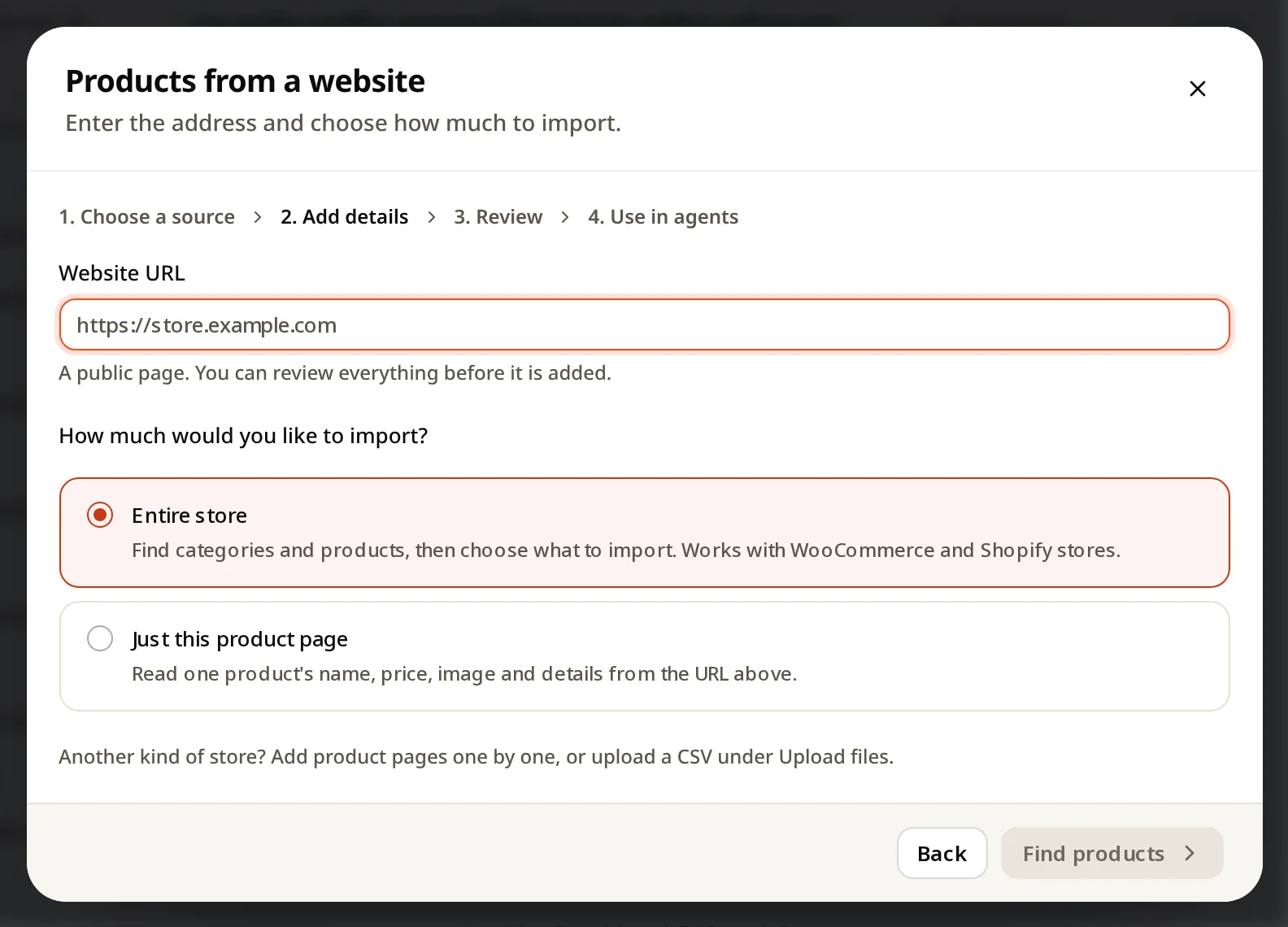
- Enter your store address.
- Choose:
- Entire store: finds categories and products, then you choose what to import. Works with WooCommerce and Shopify stores.
- Just this product page: reads one product's name, price, image and details.
- Click Find products, choose, and add.
From a file
Use Upload files with a product list as CSV or JSON. See Upload files.
One by one
Add manually → Add a product for a single item. See Add a product, plan or service.
Good to know
- Prices and stock in answers come from your last import. Import again after big changes.
- The agent recommends only products it can use: the products, or their group, must be selected on the agent.
- Product limits per plan: Free 200, Starter 500, Growth 5,000, Pro 50,000.