

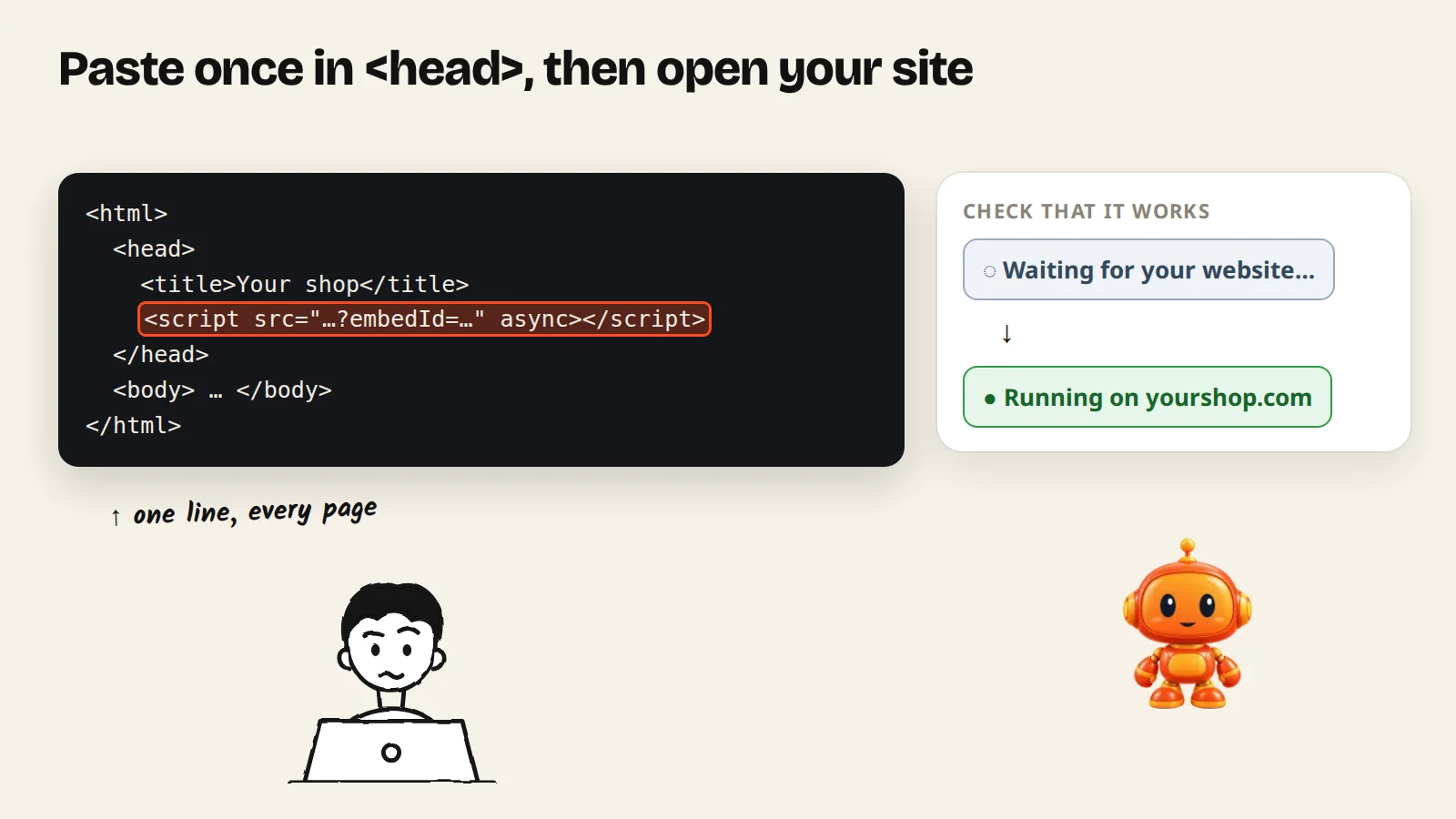
Click Install agent, pick your platform, copy the code, paste it into your site, then check that it says Running on. You only install once.
You add one line of code to your website, once. After that, everything you change in AgentGuide (answers, look, guides) shows up on your site by itself.
Step 1: Open Install agent
- Go to Agents and open your agent.
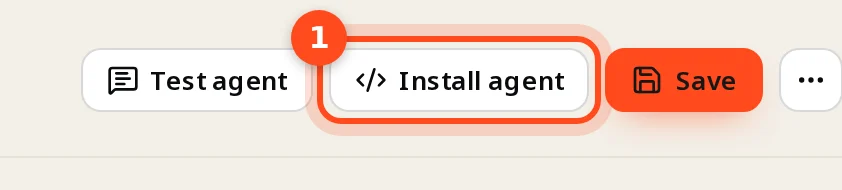
- Click Install agent at the top.
Step 2: Pick your platform and copy the code
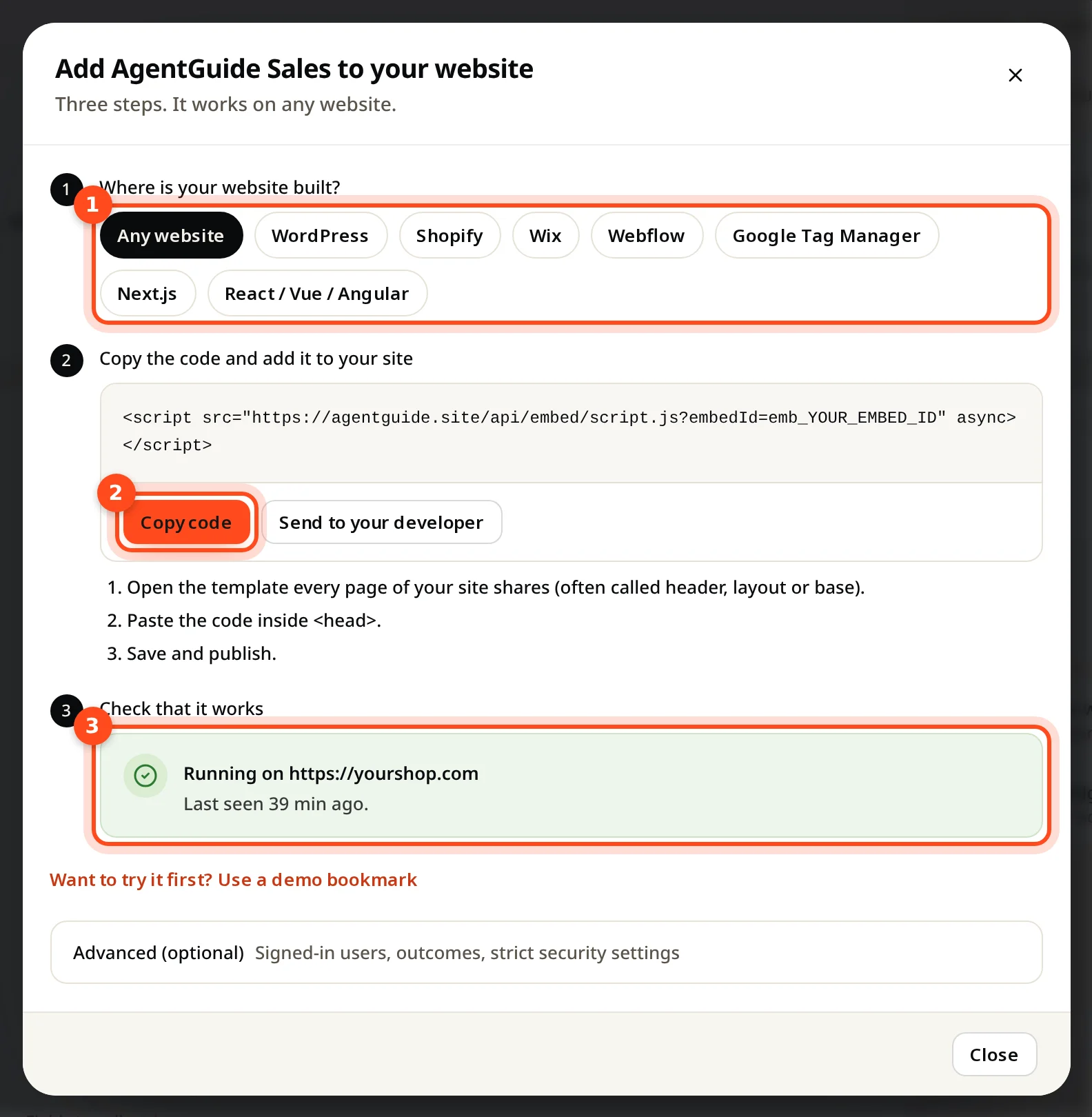
The install window has three parts:
- Where is your website built? Click your platform.
- Copy code. The instructions below the code change for your platform.
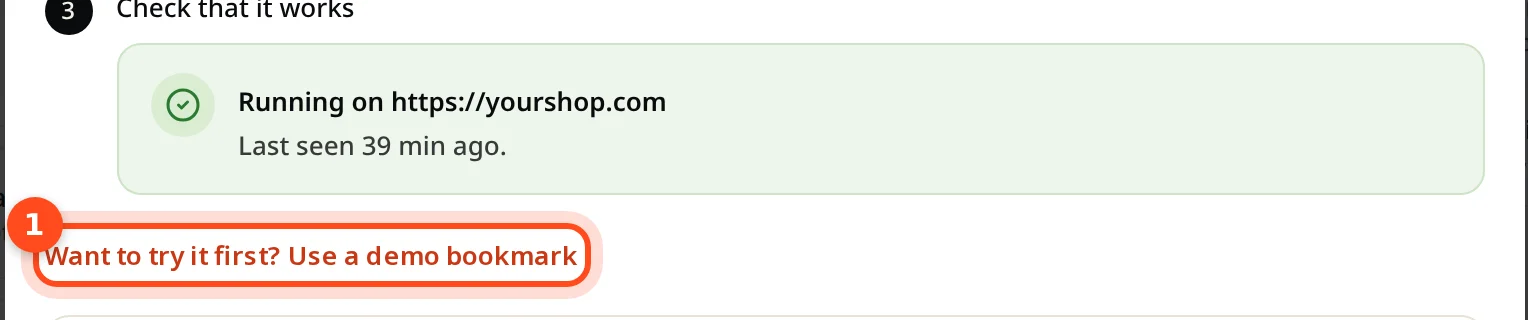
- Check that it works. It shows if your site has the code.
Step-by-step for each platform:
| Your website | Guide |
|---|---|
| WordPress | Add to WordPress |
| Shopify | Add to Shopify |
| Wix | Add to Wix |
| Webflow | Add to Webflow |
| Google Tag Manager | Add with Google Tag Manager |
| Next.js, React, Vue, Angular | Add to a web app |
| Anything else (HTML, PHP, Laravel, Django…) | Paste the code inside <head> of the template all your pages share, then publish |
Someone else manages your website? Click Send to your developer. It copies a ready-to-send message with the code and instructions.
Step 3: Check that it works
Open any page of your website. Within a few seconds the window changes from Waiting for your website… to Running on your address.
Check that the agent is switched on
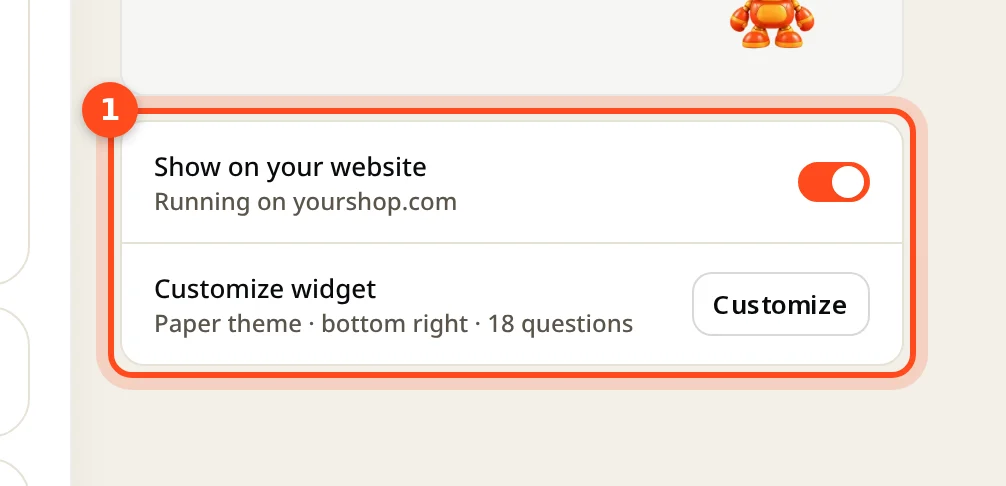
On the agent page, Show on your website must be on. When it's off, the agent stays hidden even with the code installed.
Want to try it before installing?
Click Want to try it first? Use a demo bookmark. Drag the button to your bookmarks bar, open your website, and click the bookmark. Only you see the agent, in that tab. Your visitors see nothing.
Common questions
Will it change how my website looks? No. The chat is kept separate from your site's design.
Do I install again after editing my agent? No. Changes show up by themselves.
How do I remove it? Turn off Show on your website, or delete the code from your site.
Not showing up? See Troubleshooting.