

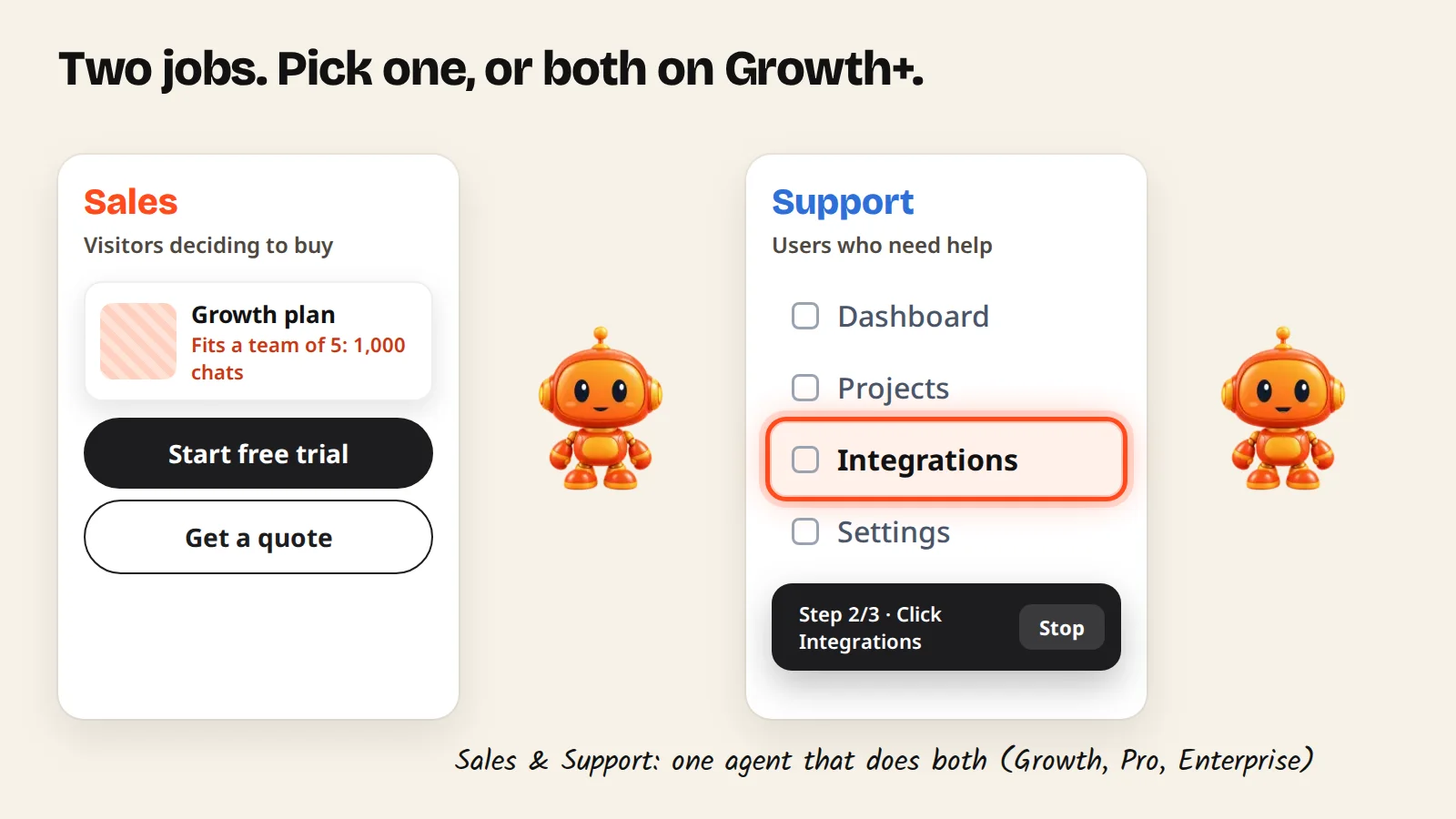
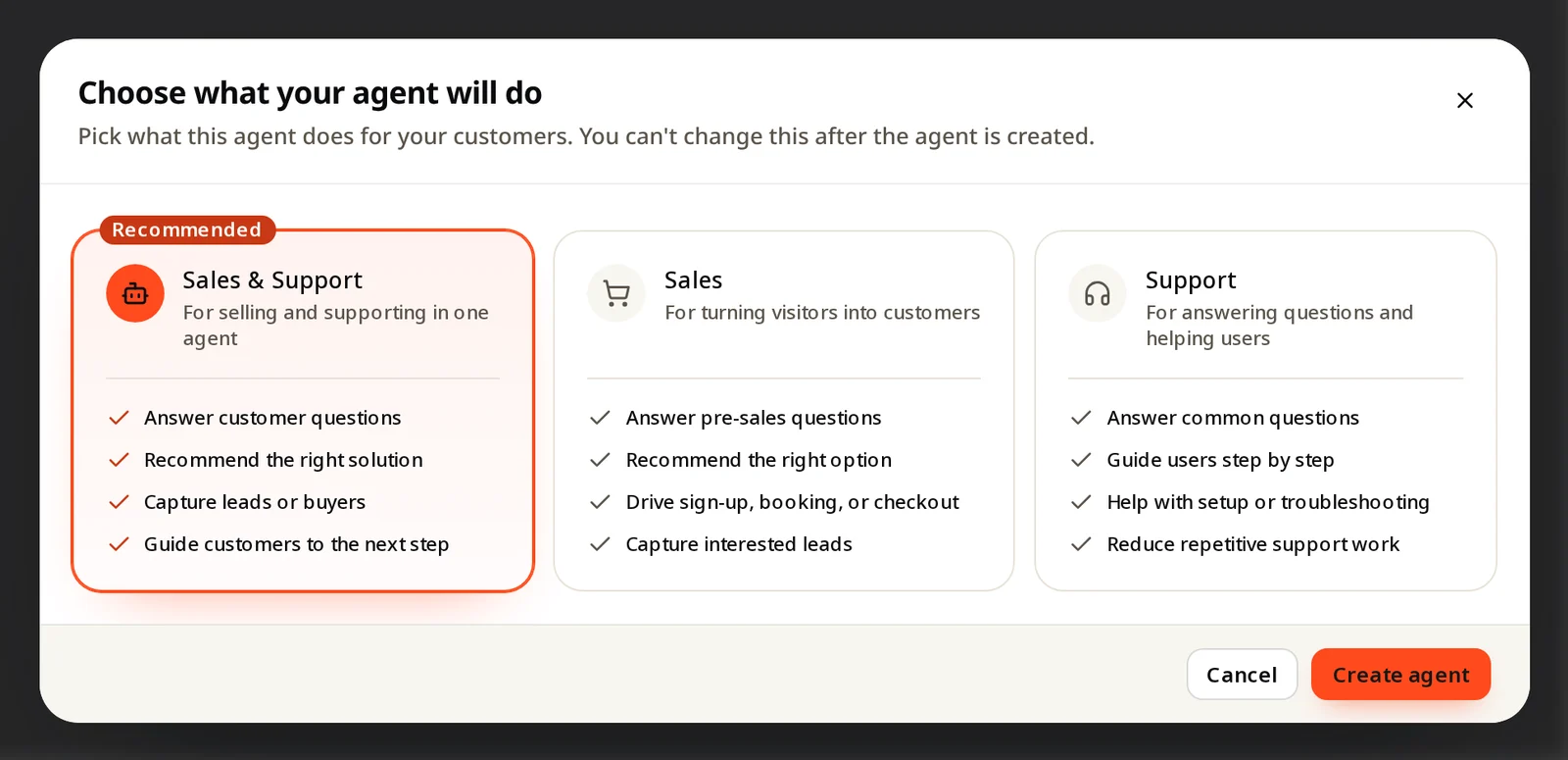
A Sales agent turns visitors into customers and leads. A Support agent helps existing users with answers, Guide Me and videos. Sales & Support (Growth and up) does both in one agent.
Choose Sales if most of your visitors are deciding whether to buy. Choose Support if most of them already use your product and need help. Choose Sales & Support if both happen on the same site and you want one agent; it is available on the Growth, Pro and Enterprise plans.
Compare the three types
| Sales | Support | Sales & Support | |
|---|---|---|---|
| Main goal | Turn visitors into customers and leads | Help users get things done | Both, depending on what the visitor asks |
| Answers from your knowledge | Yes | Yes | Yes |
| Recommends products, plans or services | Yes, with the reason | No | Yes |
| Next-step buttons after a recommendation (buy, book, sign up, call, contact form) | Yes | No | Yes |
| A way to reach your team when it can't help (contact form, a page, call or message) | Via the next-step buttons | Yes | Yes |
| Alerts when someone leaves their details | Yes | Yes, when the contact form is on | Yes |
| Guide Me (shows where to click) | No | Yes | Yes |
| How-to videos | No | Yes | Yes |
| Plans | All plans | All plans | Growth, Pro, Enterprise |
Sales agent
Best on your homepage, pricing, product and service pages. In a conversation it:
- Understands what the visitor needs, asking a short question when it must (team size, budget, use case).
- Recommends what fits from your products, plans or services, and says why.
- Shows the next step you set: open a link (buy, book, sign up), call or message you, or a contact form.
- Sends you the lead with the conversation when the visitor leaves their details.
Support agent
Best inside your web app or on your help pages. It:
- Answers from your help docs, in the user's language.
- Walks users through a task with Guide Me, pointing to each step on the real screen. It clicks only menus and links; the user types, saves and confirms.
- Shows a how-to video when that is easier.
- Offers a way to reach your team when it can't help: a short contact form, a page on your site (help center, booking), or a direct call or message.
- Lists the questions it couldn't answer, so you can fill the gaps.
Sales & Support agent
One agent that switches between selling and supporting based on what the visitor asks. Useful when the same page gets both "which plan fits me?" and "how do I export my data?". It uses the knowledge you select, so give it both your sales content and your help docs.
Several agents
You can run more than one agent, for example a Sales agent on your marketing site and a Support agent inside your app. Agents per plan: Free and Starter 1, Growth 3, Pro 10, Enterprise custom.