

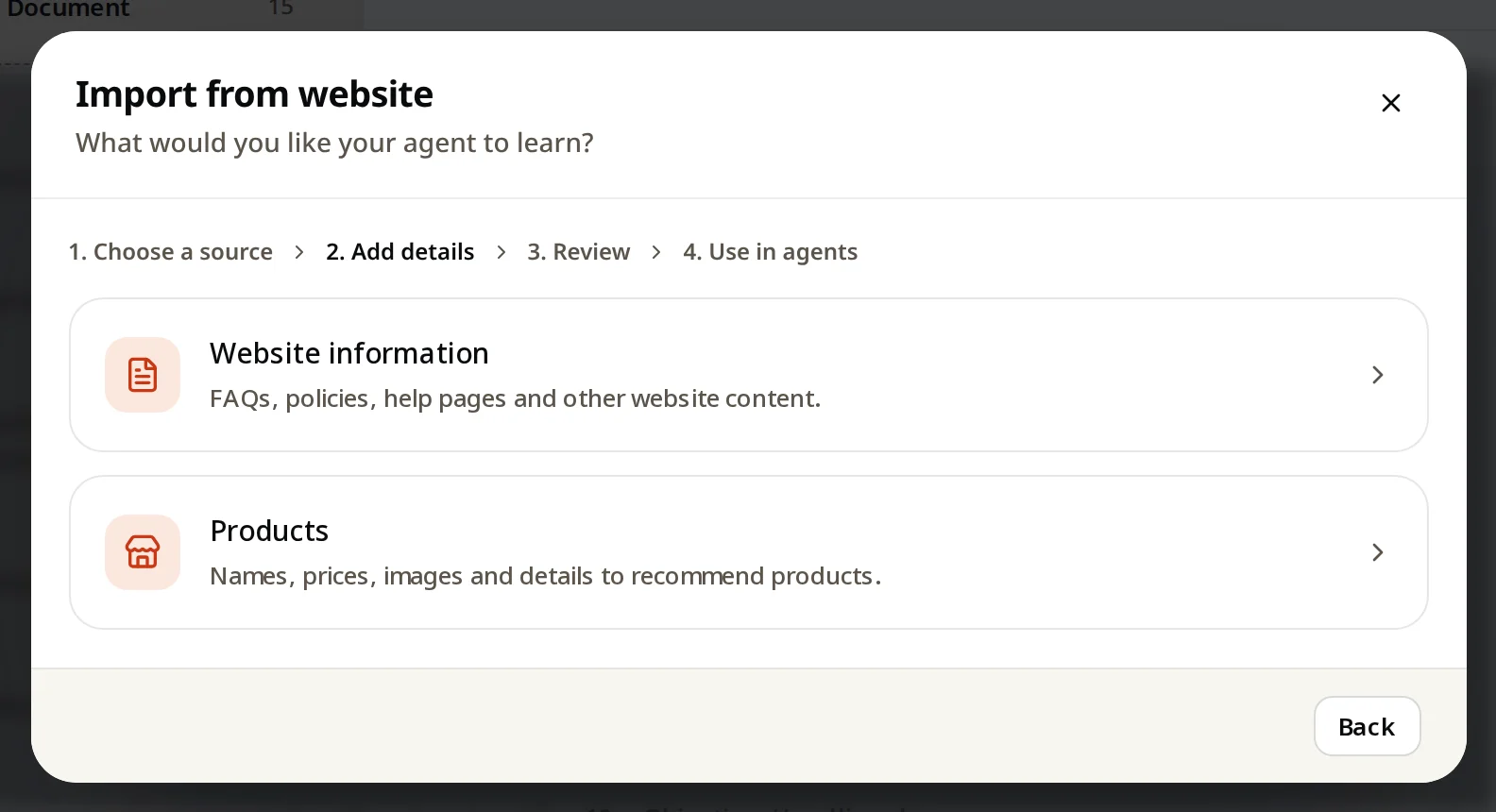
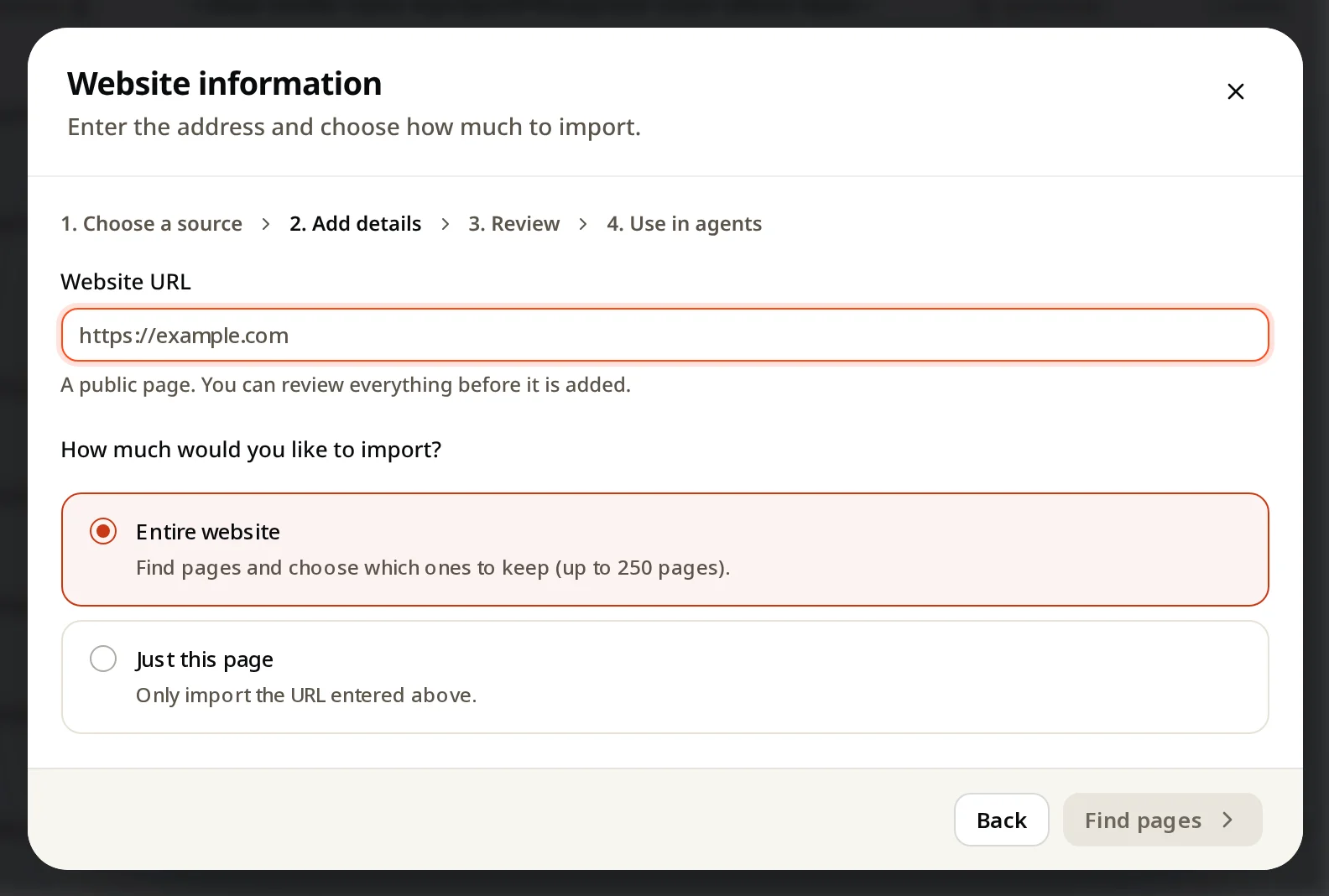
Knowledge → Add knowledge → Import from website → Website information. Enter your address, choose the entire website (up to 250 pages) or just one page, then pick which pages to keep.
Import pages your customers ask about: FAQs, policies, pricing, help pages. You review everything before it is added.
Steps
- Open Knowledge and click Add knowledge.
- Click Import from website, then Website information.
- Enter your website address.
- Choose how much to import:
- Entire website: finds your pages, and you choose which to keep (up to 250 pages).
- Just this page: only the address you entered.
- Click Find pages, review the list, and add the pages you want.
- Choose which agents can use them (step 4), and wait for Ready.
Keep imported pages up to date
Your site changes; the copy in AgentGuide doesn't change by itself. Open an imported page and use Re-crawl (or Check for changes) to fetch the latest version.