

If your site sends a Content-Security-Policy, add agentguide.site to script-src, connect-src and img-src, plus the video players you use in frame-src. Sites that require a nonce add it to the script tag.
Most websites don't need this page. It is for sites that send a Content-Security-Policy (CSP) header or meta tag, common on banking sites, large web apps and sites built with strict security templates. A CSP that doesn't list AgentGuide blocks the script, and the chat bubble never appears.
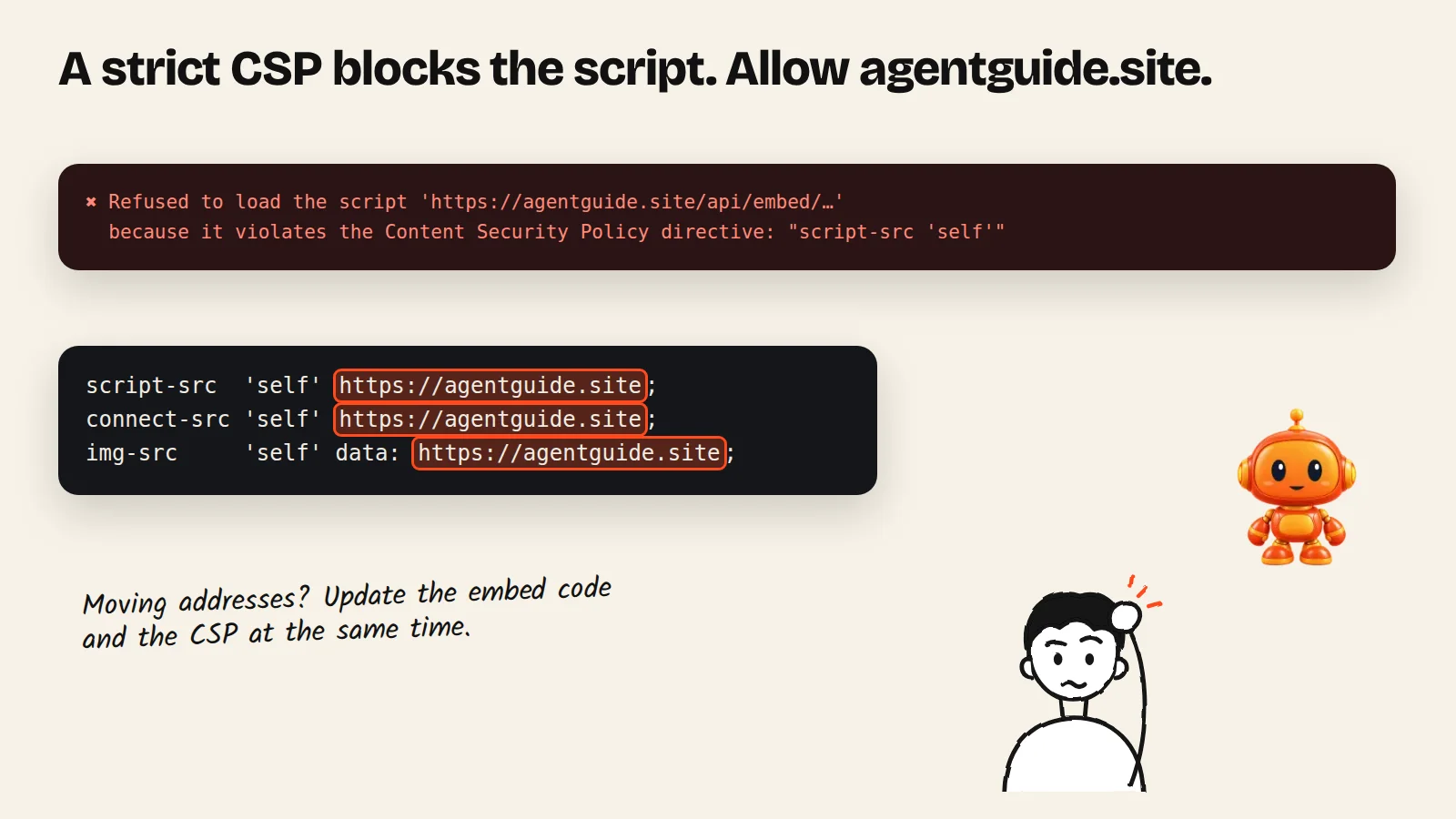
What to allow
| Directive | Add | Why |
|---|---|---|
script-src | https://agentguide.site | Loads the agent script |
connect-src | https://agentguide.site | Sends and streams chat messages |
img-src | https://agentguide.site | Mascot, logo and images in the chat |
img-src | Your product image hosts | Product photos in recommendation cards |
frame-src | https://www.youtube-nocookie.com https://player.vimeo.com https://www.loom.com | Only if your guides use YouTube, Vimeo or Loom videos |
Example for a site that already lists its own sources:
script-src 'self' https://agentguide.site;
connect-src 'self' https://agentguide.site;
img-src 'self' data: https://agentguide.site;
Sites that require a nonce
If your CSP only runs scripts with a nonce, add your page's nonce to the tag:
<script src="https://agentguide.site/api/embed/script.js?embedId=YOUR_EMBED_ID" nonce="YOUR_NONCE" async></script>Moving from an old AgentGuide address
If your embed code or CSP still uses an older AgentGuide address, update both at the same time: the script URL in the embed code and every directive that lists the old address. Changing only one of them blocks the agent.
Check it
Open your site with the browser's developer tools → Console. A CSP problem shows as a message like "Refused to load the script" or "Refused to connect" naming agentguide.site. Add the missing directive and reload. If you use a CDN or page cache, purge it so visitors get the new header or meta tag.