

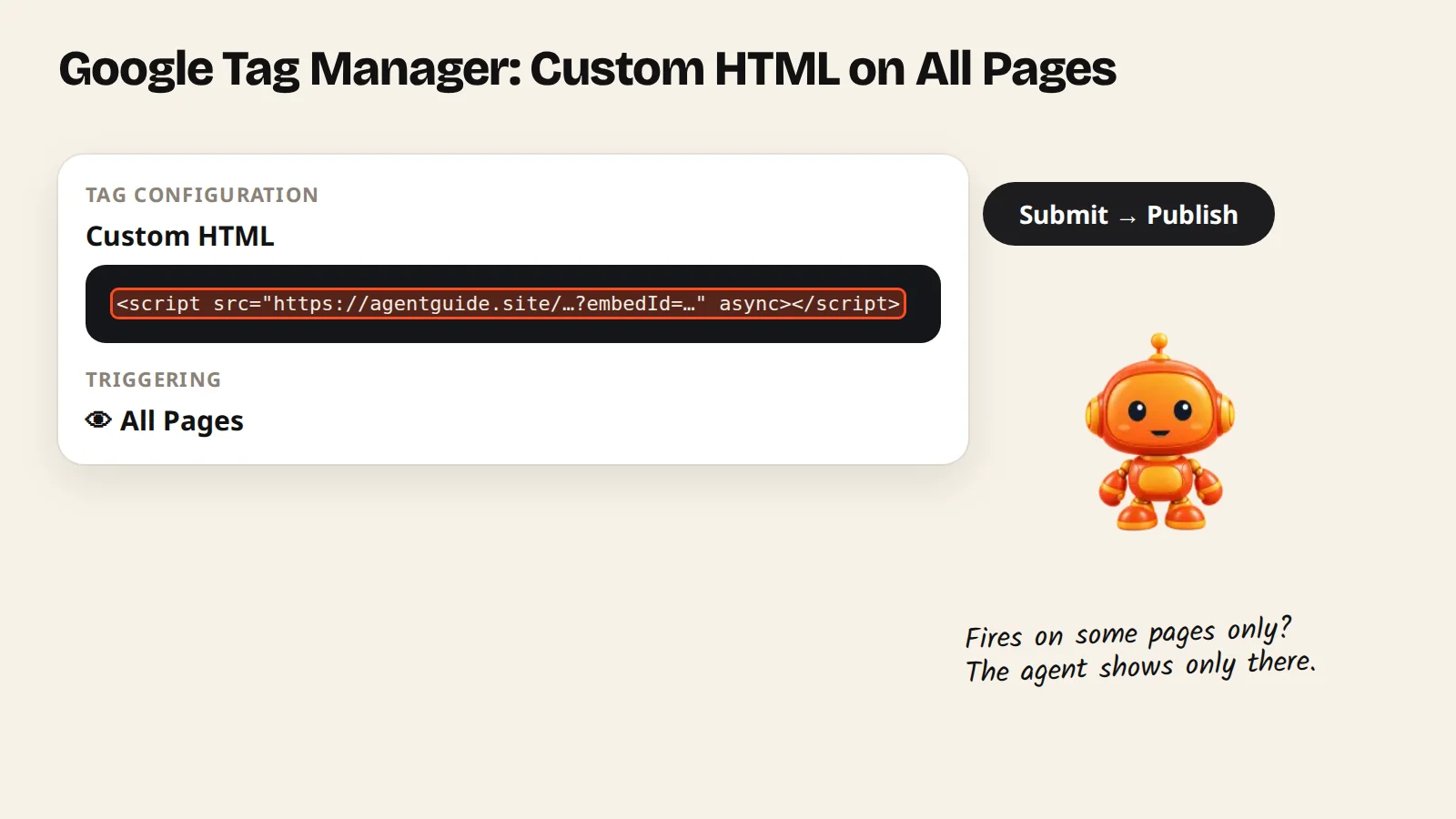
Create a Custom HTML tag with your AgentGuide script, set the trigger to All Pages, then submit the container to publish.
If your site already loads Google Tag Manager, you can add AgentGuide without touching the site code.
Steps
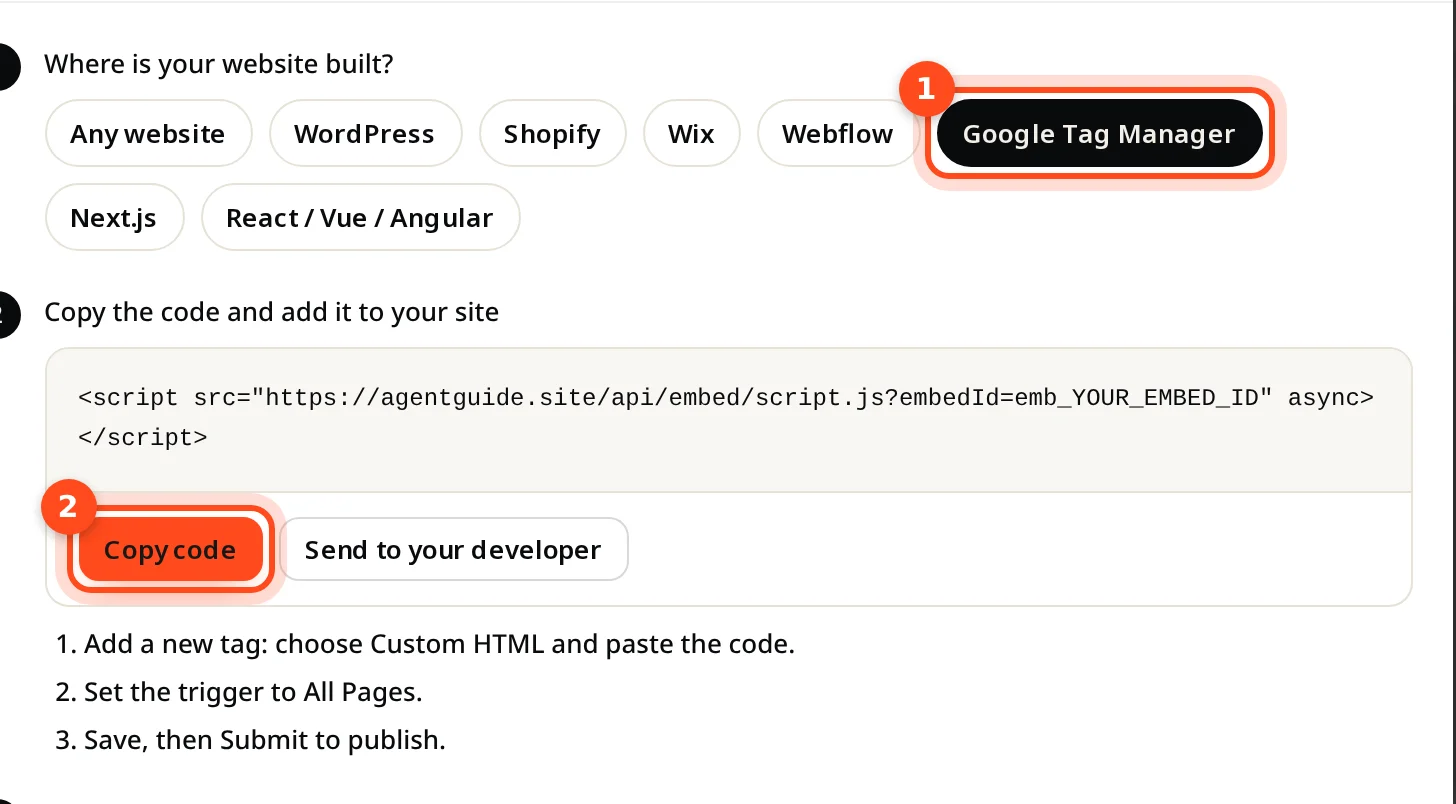
- In AgentGuide, open your agent → Install agent, pick Google Tag Manager and click Copy code.
- In Tag Manager, open your container and click Tags → New.
- Choose Tag Configuration → Custom HTML and paste the code.
- Under Triggering, choose All Pages.
- Name the tag (for example "AgentGuide") and Save.
- Click Submit, then Publish.
- Open your site. The install window in AgentGuide changes to Running on your address.
<script src="https://agentguide.site/api/embed/script.js?embedId=YOUR_EMBED_ID" async></script>