

Add 2-3 short questions next to the chat button so visitors start with one tap. Suggest with AI writes ideas, and each page can have its own questions (up to 10 per page, 100 page rules).
Most visitors won't type first. A few short questions they can tap get many more chats started.
Steps
- Open your agent, click Customize, then open 4. Questions to start a chat.
- Make sure Show in the chat is on.
- Type a question and click Add, or click Suggest with AI for ideas from your knowledge.
- Click Save.
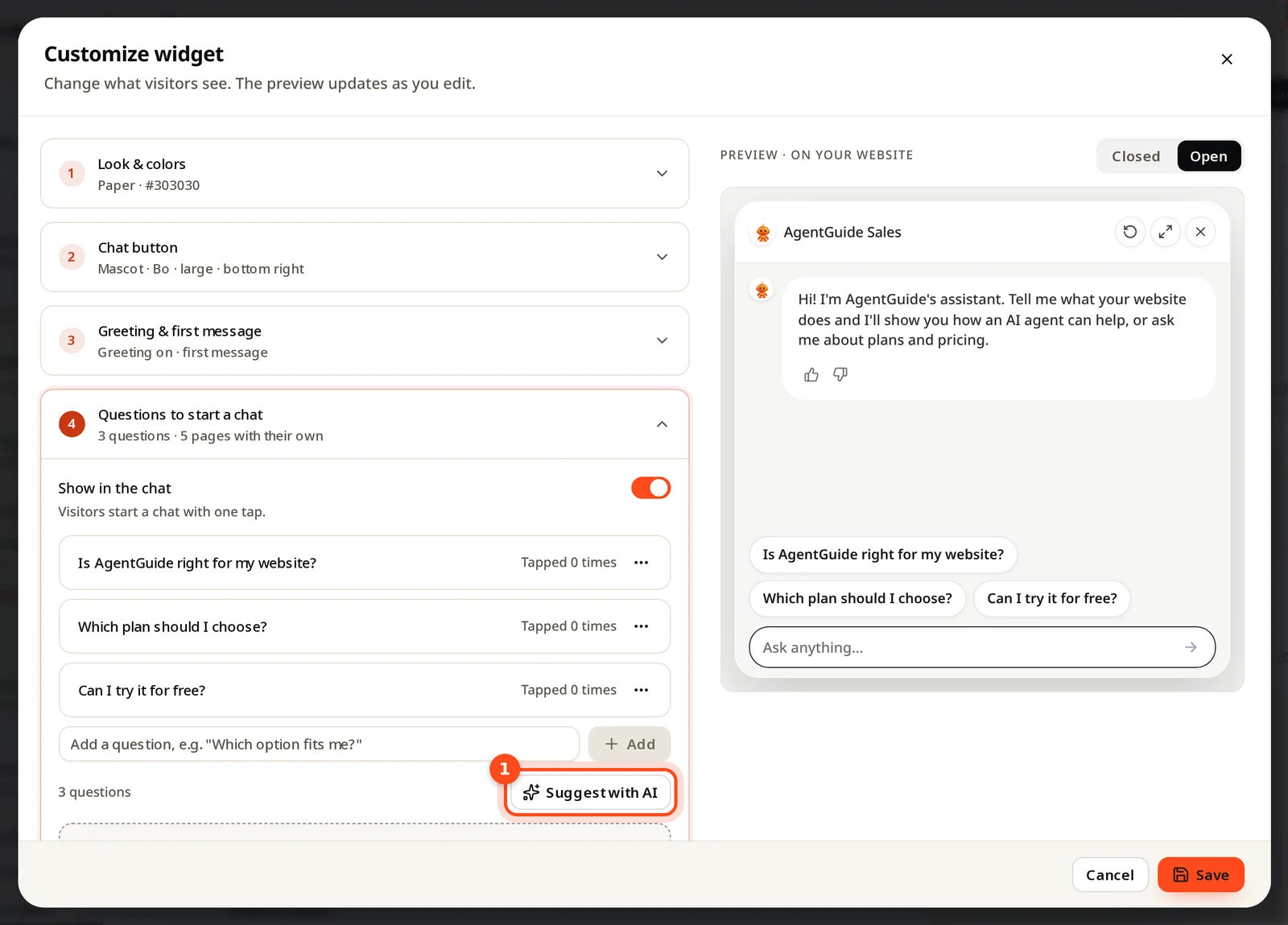
What visitors see
- Chat closed: the first 3 questions of the page show as buttons next to the chat button, in the order of your list. With more than 3, a +N more questions link opens the chat.
- Chat open: every question of the page is listed above the message box. Tapping one sends it.
- Video questions: start a question with ▶ (for example "▶ Watch how to set up") and it gets a play icon and is listed first, under Watch. Pair it with a video your agent can show.
- The buttons use your widget's theme colors.
Different questions for each page
Below the main list you can add questions for specific pages, for example a pricing question on /pricing and a setup question on /docs. A page rule can match the exact address, the start of it, or any address that contains a word. The most specific rule wins.
Limits: up to 10 questions per list, and up to 100 page rules.
Good starter questions
- Short, in your visitor's words: "Which plan fits a team of 5?"
- One per job: choosing, pricing, getting started.
- Check Tapped N times after a week and replace the ones nobody taps.