

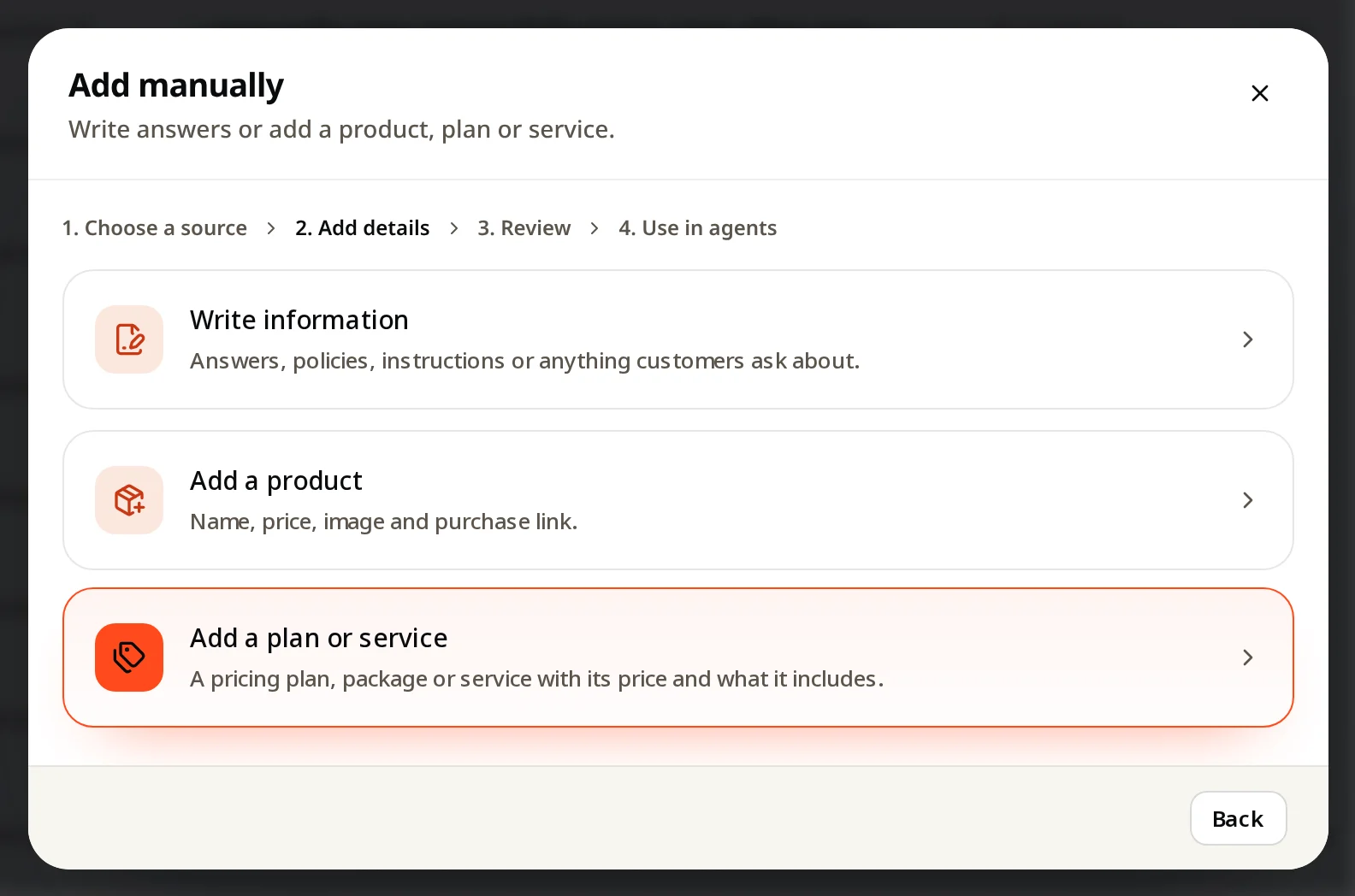
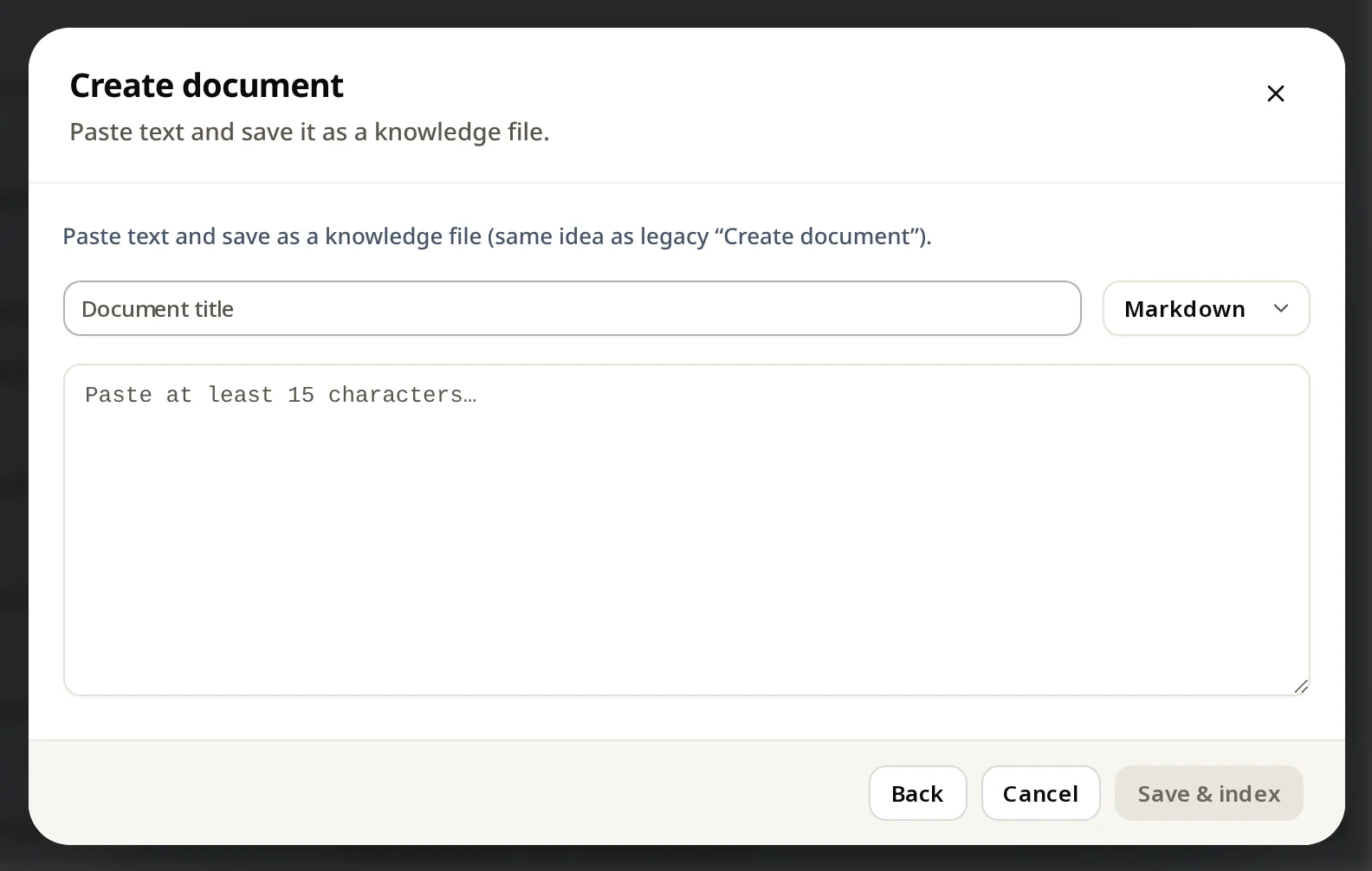
Knowledge → Add knowledge → Add manually → Write information. Give it a title, paste or type the text (Markdown or plain text), and click Save & index. The fastest way to fix a missing answer.
The quickest way to teach your agent something: write it down.
Steps
- Knowledge → Add knowledge → Add manually.
- Click Write information.
- Type a clear title, for example "Refund policy" or "How to change your plan".
- Paste or write the text (at least 15 characters). Choose Markdown or Text.
- Click Save & index.
How to write it
- One topic per document.
- Start with the answer, then the details.
- Use your customers' words and your exact button names.
- Write out prices and conditions. Avoid "see our website".
This is also how you fix a question from Couldn't answer.