

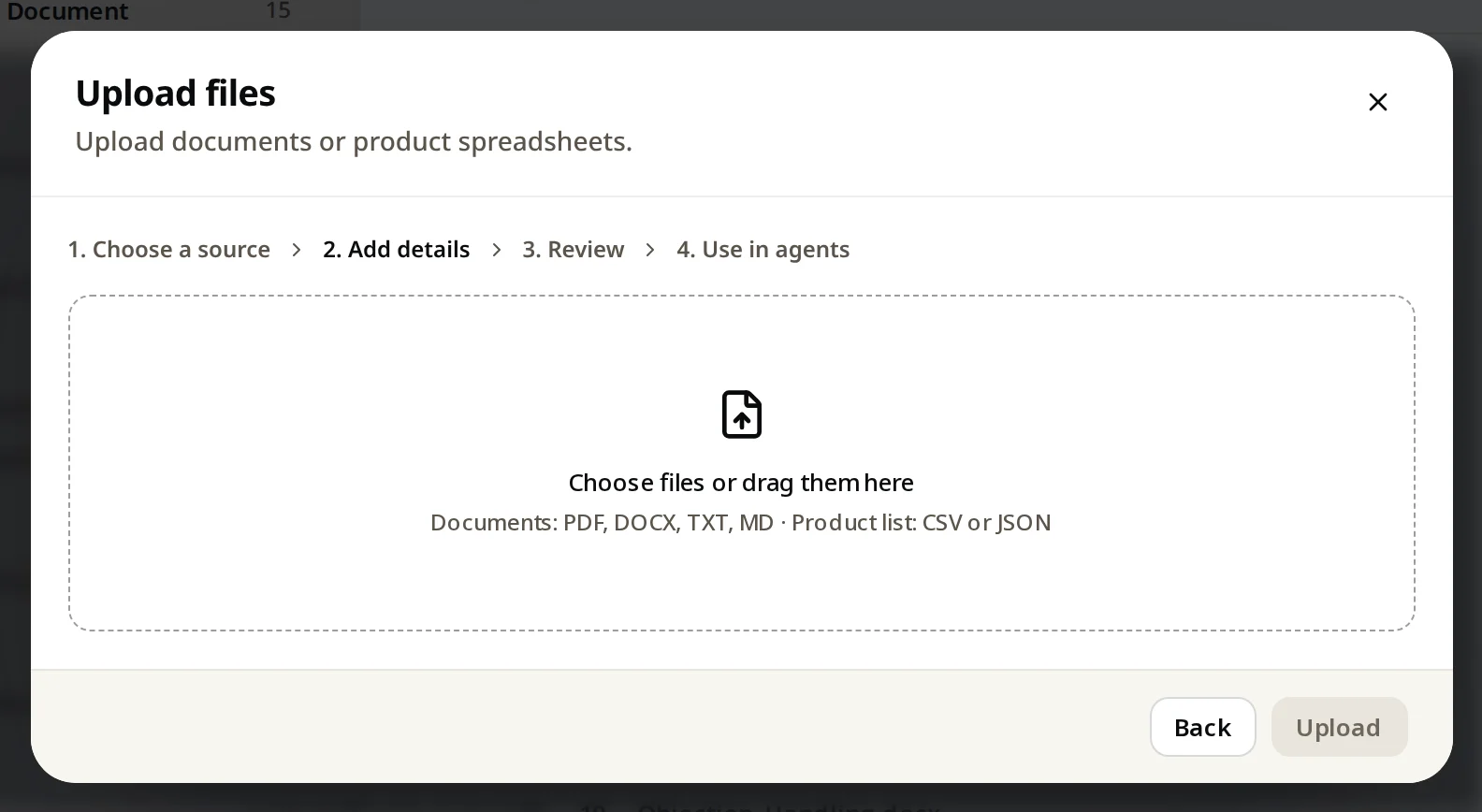
Knowledge → Add knowledge → Upload files. Drag in documents (PDF, DOCX, TXT, MD) or product lists (CSV, JSON), click Upload, then choose which agents use them.
Already have a help guide, price list or policy as a file? Upload it.
Steps
- Open Knowledge and click Add knowledge.
- Click Upload files.
- Drag your files in, or click to choose them.
- Click Upload.
- Choose which agents can use them, and wait for Ready.
Which files work best
| File | Good for |
|---|---|
| PDF, DOCX | Guides, policies, price sheets |
| TXT, MD | Clean text: FAQs, how-to articles |
| CSV, JSON | Product lists (name, price, image, link, details) |
Documents per plan: Free 100, Starter 300, Growth 2,000, Pro 10,000.