

Your agent answers only from the knowledge you select for it. Each item must show Ready. When nothing matches, the agent says it doesn't know and lists the question under Couldn't answer.
Your agent doesn't make things up. It answers only from the knowledge you add and select for it.
The rules in one table
| Rule | What it means for you |
|---|---|
| Only selected knowledge | An agent uses only the items or groups chosen under Knowledge → Change selection on the agent page |
| Only Ready items | Each item is processed after you add it. The column Agent can use it must say Ready |
| No answer, no guess | If nothing matches, the agent says it doesn't know and the question appears in Customers → Couldn't answer |
| Changes apply by themselves | Edit and save an item; after it is processed again, the agent uses the new version |
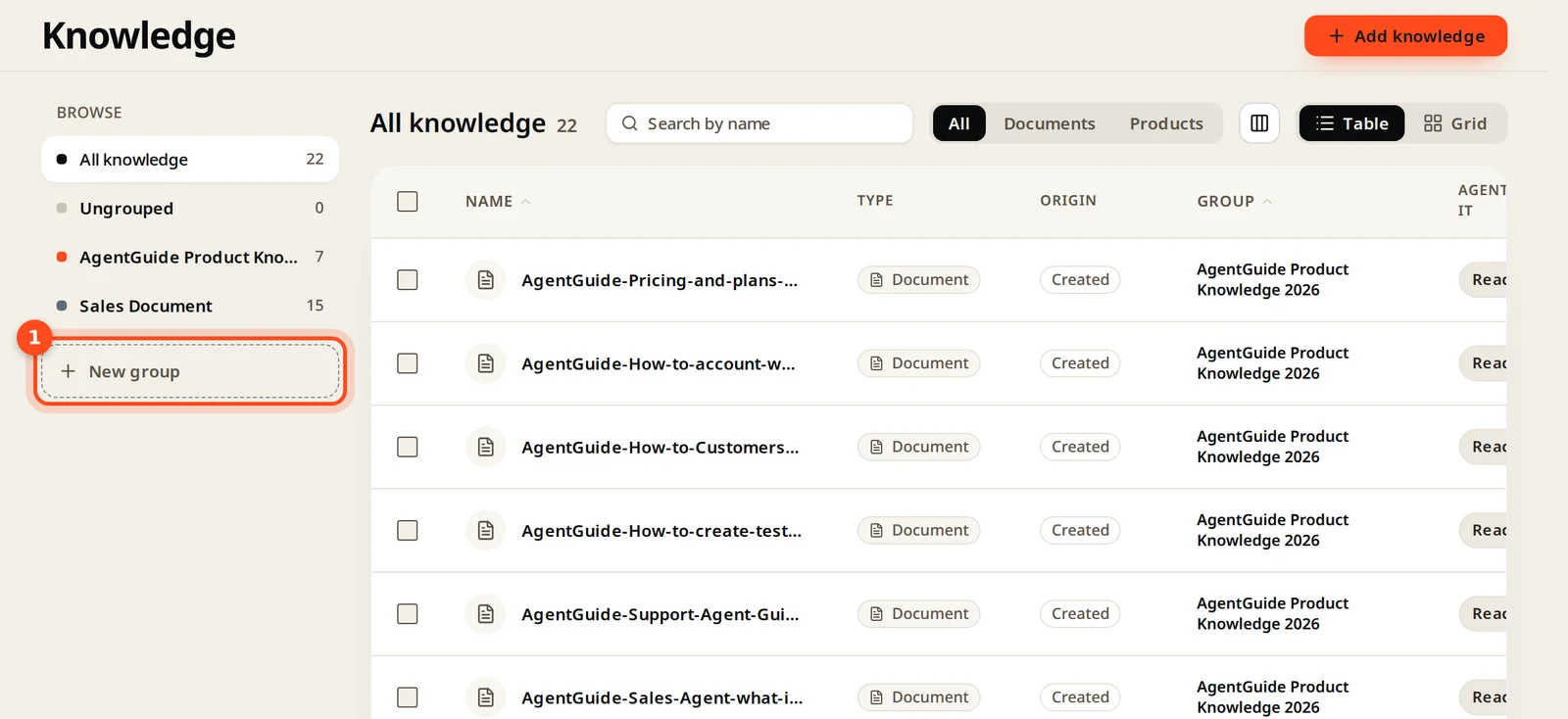
Ways to add knowledge
Click Add knowledge and pick one:
| Source | Best for |
|---|---|
| Import from website | FAQs, policies, help pages; products from WooCommerce or Shopify stores |
| Upload files | PDF, DOCX, TXT, MD documents; product lists as CSV or JSON |
| Write an answer | Quick answers, policies, anything not written down yet |
| Add a product, plan or service | Things a Sales agent should recommend and compare |
What makes good knowledge
- One topic per document, with the words your customers use.
- Real prices and limits, written out.
- What you don't offer, so the agent can say so honestly.
- Exact button and menu names for "how do I…" help.