

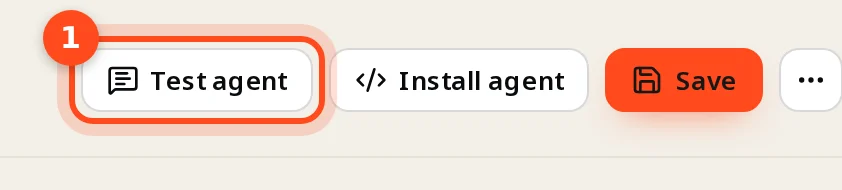
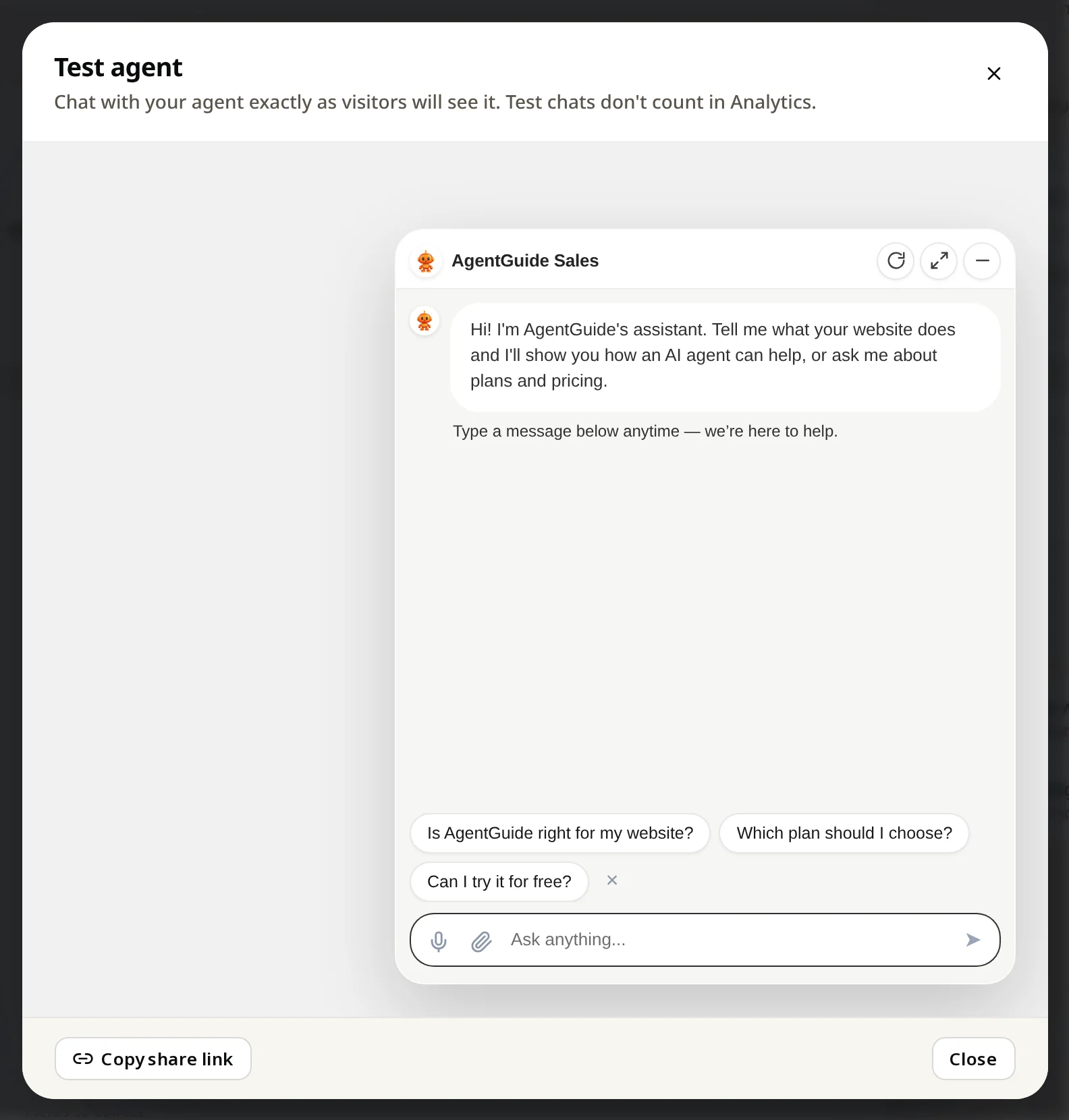
Click Test agent on the agent page to chat exactly as visitors will. Test chats are free and don't count in Analytics. Copy share link gives a public test link for your team.
Test before you install, and again after you change knowledge.
Steps
- Open your agent.
- Click Test agent at the top.
- Ask what your customers ask. You see exactly what visitors will see, with your greeting and your questions to start a chat.
Free vs counted
| How you chat | Counted? |
|---|---|
| Test agent in the dashboard | No, never |
| Copy share link (a public test link for colleagues) | Yes, like a visitor |
| Your website | Yes |
What to test
- Your 10 most common questions.
- A question you have no answer for. The agent should say it doesn't know, not guess.
- A buying question ("which plan fits me?") on a Sales agent: does it recommend and show your buttons?
- A "how do I…" question on a Support agent: does it offer Guide Me?
Wrong answer? Fix the knowledge, wait for Ready, and ask again. See Fix questions your agent couldn't answer.